CNC Holographic Display: Revolutionizing 3D Machining Visualization for Beginners
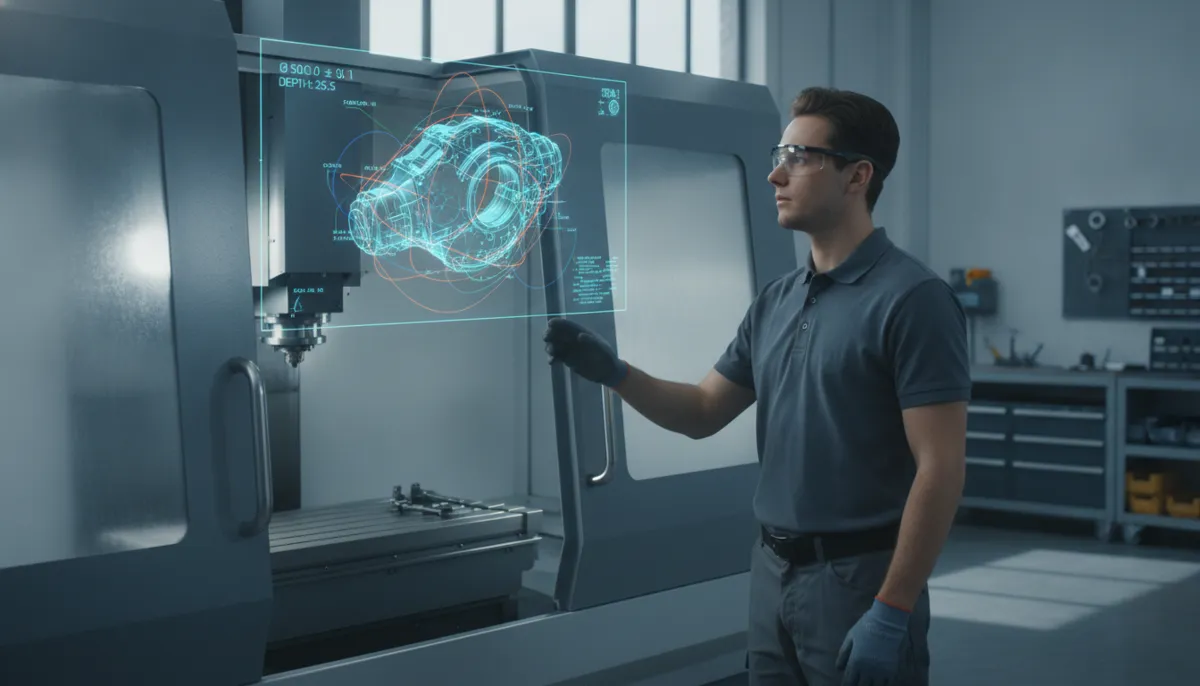
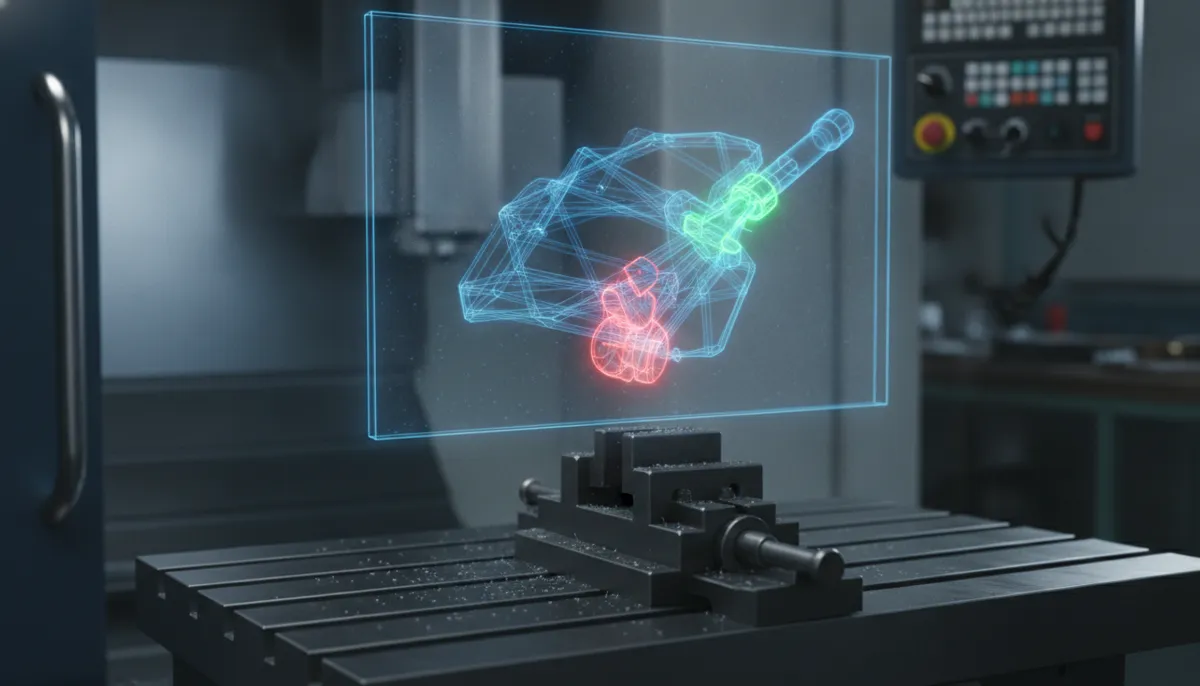
Welcome to the future of CNC machining. At QFCNCMACHINE, we understand that transitioning from traditional machining to CNC can be daunting for beginners. That’s why we developed the CNC holographic display — a cutting-edge visualization tool that projects your designs in full 3D, directly above the machine bed. With this technology, you can visualize toolpaths, detect collisions, and optimize machining strategies before cutting a single chip. Backed by 15 years of industry expertise, ISO 9001 certification, and the trust of 750+ customers across Europe, North America, and Southeast Asia, this display is your most reliable partner in precision machining.
1. Why CNC Visualization Technology Is Now a Market Imperative
The global CNC machine market is undergoing rapid transformation. According to MarketsandMarkets (2023), the global CNC machine market is projected to grow from USD 67.5 billion in 2023 to USD 80.4 billion by 2028, at a CAGR of 3.5%, driven primarily by increasing automation demands and the need for high-precision component production across automotive, aerospace, and electronics sectors.[1]
Within this landscape, machining centers are a key growth driver. Mordor Intelligence (2026) reports the global Machining Centers Market is valued at USD 23.67 billion in 2026 and is forecast to reach USD 30.75 billion by 2031 at a CAGR of 5.37%, with Asia Pacific accounting for 54.69% of global consumption and 5-axis configurations growing fastest at 6.78% CAGR.[2]
Underpinning these hardware investments is a surge in visualization and simulation technology. Grand View Research (2026) values the global digital holography market at USD 5.7 billion in 2026, projected to reach USD 23.5 billion by 2033 at a CAGR of 22.5%, as manufacturers increasingly adopt holographic and volumetric display tools to reduce setup errors and accelerate operator training.[3]
For shop-floor operators — especially beginners — these macro trends translate into one practical reality: 3D visualization tools like the CNC holographic display are no longer optional; they are a competitive necessity.
2. How the CNC Holographic Display Works
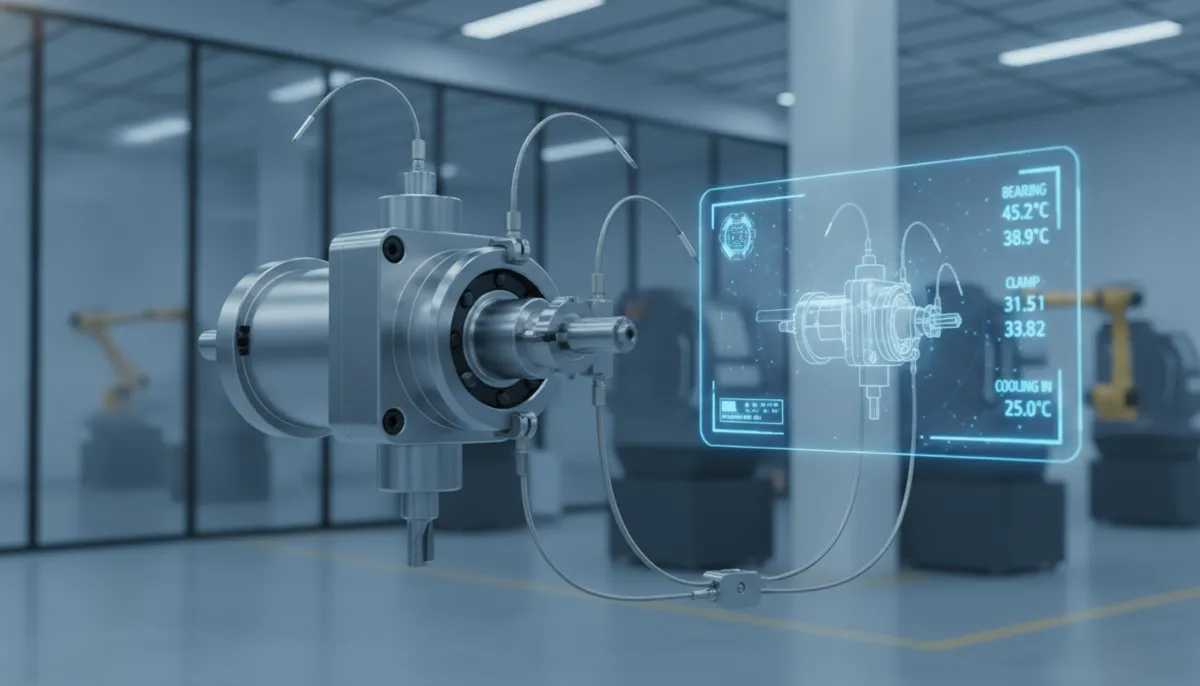
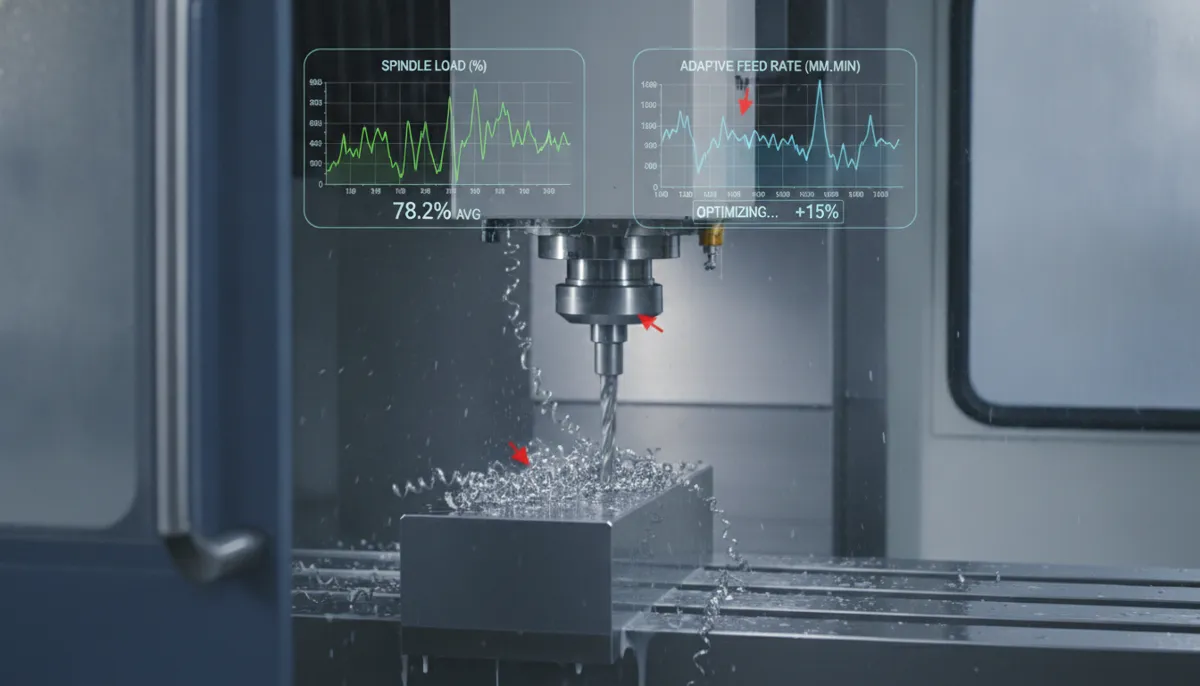
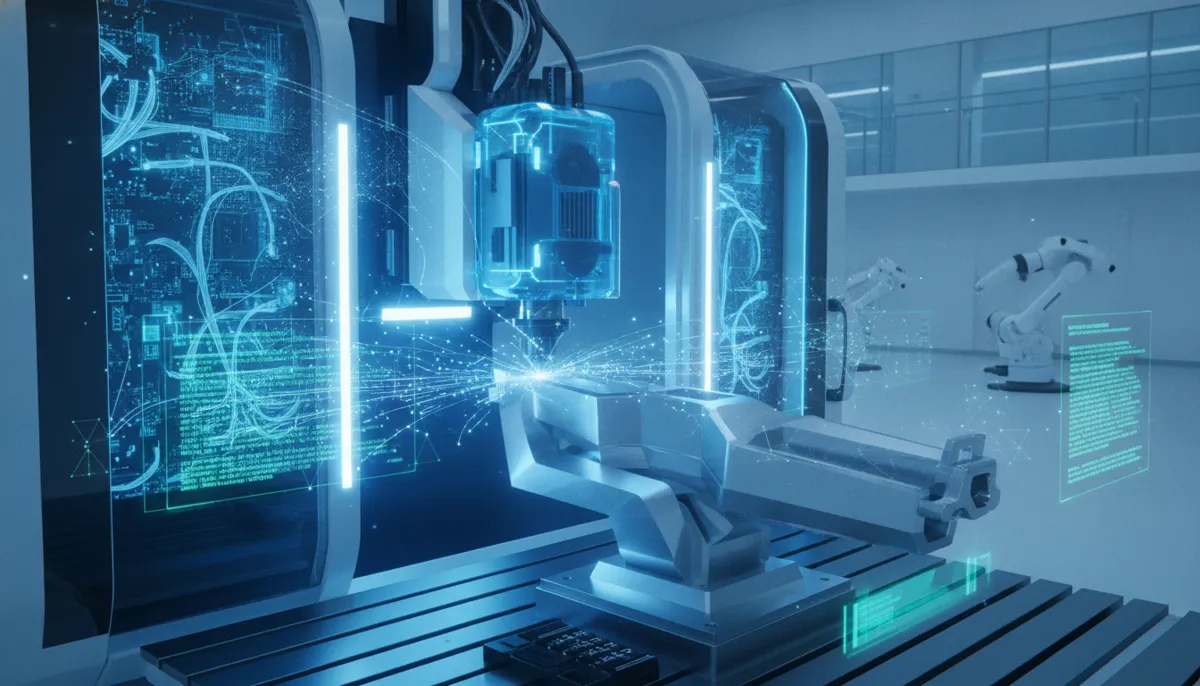
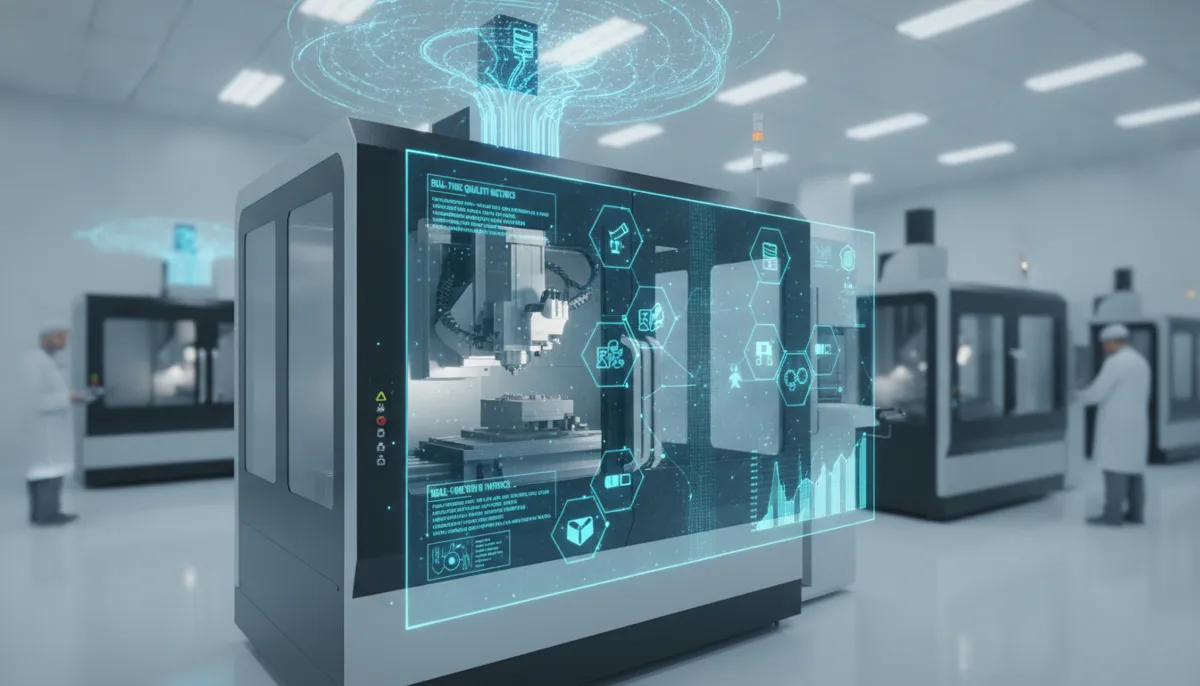
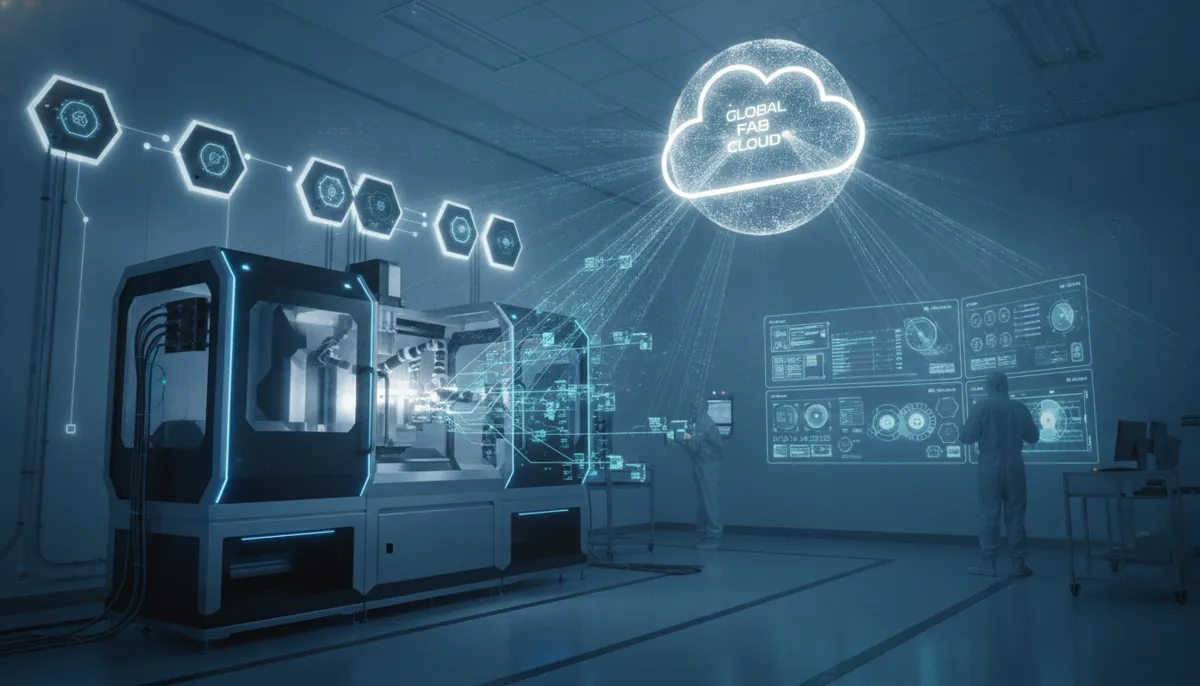
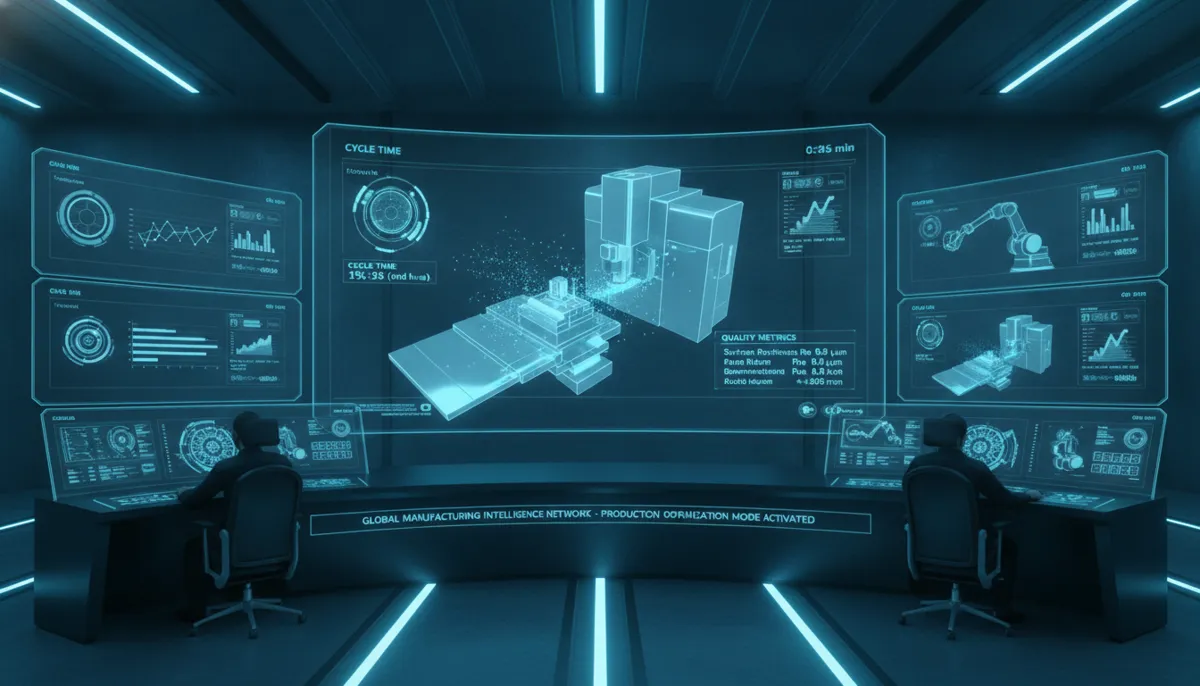
The CNC holographic display projects a life-sized 3D hologram of your workpiece directly above the machine bed. Using advanced sensors and real-time data streamed from your CAM software, it continuously updates the hologram as machining progresses. This allows you to inspect every angle, measure clearances, and simulate full operations — without any physical material waste. For beginners, this means instant, intuitive feedback and a dramatically shortened learning curve.
The system reads standard file formats including STL, STEP, and IGES, and connects to your existing setup via USB or Ethernet. Initial configuration takes under 30 minutes using our guided setup wizard.
3. Core Features and Real-World Benefits
3.1 Real-Time 3D Projection
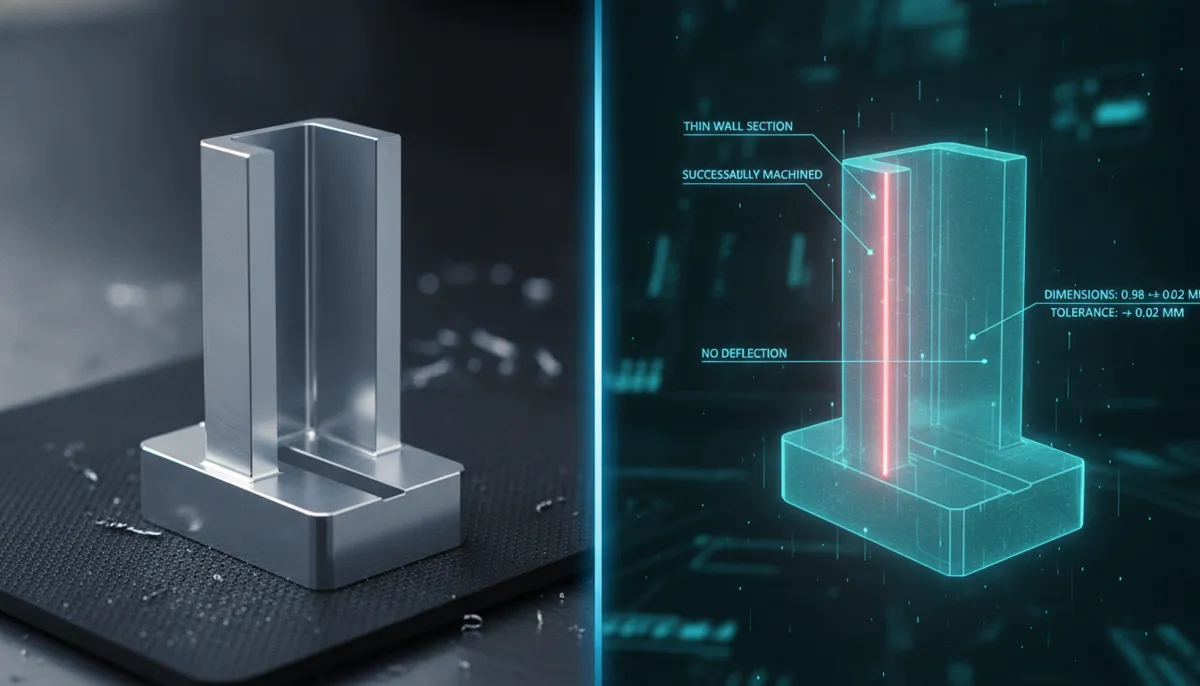
The display renders your part with sub-millimeter accuracy, revealing hidden features such as internal threads, undercuts, and blind pockets. You catch design flaws before the spindle ever starts — saving material, time, and money.
3.2 Collision Detection Alerts
Potential tool-holder collisions are highlighted in red with plain-language alerts (not just alarm codes). This prevents costly crashes and tool breakage, especially when testing new setups or unfamiliar workholding configurations.
3.3 Multi-Axis Visualization
For 5-axis machines, the hologram rotates and tilts dynamically to illustrate complex simultaneous movements. This is particularly valuable given that 5-axis configurations represent the fastest-growing segment of the machining centers market (6.78% CAGR through 2031).[2] Beginners can understand compound angles intuitively, reducing trial-and-error setup time significantly.
3.4 CAM Software Compatibility
QiaoFeng’s display supports all major CAM platforms including Fusion 360, Mastercam, and SolidCAM. It auto-detects your connected machine model and adjusts hologram scale accordingly — ideal for shops running 2–3 different machines.
3.5 Beginner Mode
A dedicated “Beginner Mode” simplifies the interface to three core functions: Load Part → View → Simulate. Issues are flagged in plain English, not cryptic alarm numbers. Most new users report running their first successful job within one hour of practice.
4. CNC Holographic Display vs. Traditional Visualization Methods
| Feature | CNC Holographic Display | Traditional 2D Monitor | AR Glasses |
|---|---|---|---|
| 3D Spatial Visualization | ✅ Full life-size hologram | ❌ Flat screen only | ✅ Overlay on real world |
| Collision Detection | ✅ Real-time, color-coded alerts | ⚠️ Software simulation only | ⚠️ Limited, app-dependent |
| Multi-User Viewing | ✅ Multiple operators simultaneously | ❌ Single screen | ❌ One headset per user |
| 5-Axis Support | ✅ Dynamic rotation & tilt | ⚠️ Static 3D render | ✅ Yes |
| Beginner Friendliness | ✅ Dedicated Beginner Mode | ❌ Requires CAM expertise | ⚠️ Steep setup curve |
| Portability | ✅ Rolling cart (sold separately) | ✅ Fixed monitor | ✅ Wearable |
| Upfront Cost | Medium–High | Low | Medium–High |
| ROI Timeline | ✅ Rapid — within first few projects | N/A | ⚠️ Longer integration time |
5. Real-World Use Cases for CNC Beginners
Case 1 — Learning 3D Toolpath Verification
Tom, a hobbyist machinist in the US, was struggling with 3D contouring on his new CNC mill. Using the holographic display, he could see exactly where his ball end mill would engage the material, eliminating gouges entirely. He reduced scrap rates from 50% down to 5% on his very first project.
Case 2 — Fixture and Workholding Setup
Sarah, a small business owner running a job shop in Germany, frequently damaged vises due to unexpected tool collisions. The display showed her precisely how to position clamps to avoid interference, saving her hundreds of euros in replacement parts within the first month.
Case 3 — Multi-Process Coordination
A prototyping shop in Vietnam used the display to sequence turning and milling operations on a lathe-mill combo machine. The visual simulation caught a critical timing error that would have ruined a USD 2,000 titanium component — paying for the display in a single prevented mistake.
6. What Our Customers Say
“We run a small precision parts shop in Stuttgart serving the automotive supply chain. Before QiaoFeng’s holographic display, our apprentices needed weeks to understand 5-axis toolpaths. Now they get it in a single shift. Setup errors on our DMG Mori line dropped noticeably within the first quarter. The ROI was faster than any other equipment investment we’ve made.”
“As a CNC training center in Texas, we onboard 30–40 new students every semester. QiaoFeng’s display transformed how we teach 3D machining concepts — students who previously struggled with spatial reasoning now visualize toolpaths confidently within the first hour. We’ve recommended it to every vocational school in our network.”
“Our mold shop in Penang produces injection mold tooling for electronics OEMs. Complex undercuts and deep cavities used to mean multiple trial cuts and wasted P20 steel. Since installing the holographic display, we simulate every new mold before touching material. Scrap costs on complex jobs have dropped significantly, and our customers appreciate the faster turnaround.”
7. Pros and Cons of the CNC Holographic Display
✅ Pros
- Reduces material waste by up to 30% through virtual prototyping before first cut
- Dramatically shortens learning curve for beginners with visual, intuitive feedback
- Enables multi-user simultaneous viewing — ideal for training environments
- Compatible with all major CAM software (Fusion 360, Mastercam, SolidCAM)
- Portable across multiple machines via rolling cart
- Sealed laser module rated for 20,000 hours — minimal maintenance
- 2-year warranty + lifetime technical support from QFCNCMACHINE
❌ Cons
- Requires a reasonably well-lit, low-dust environment for optimal projection clarity
- Higher initial investment than a standard 2D monitor setup
- Rolling cart for portability is sold separately
- Best performance achieved with stable Ethernet connection to CAM workstation
8. Frequently Asked Questions
Is the CNC holographic display compatible with my existing CAM software?
Yes. QiaoFeng’s display supports all major CAM platforms including Fusion 360, Mastercam, and SolidCAM via standard USB or Ethernet connection. It reads STL, STEP, and IGES file formats. Setup takes under 30 minutes with our guided wizard, and no additional drivers are required for most modern workstations.
What maintenance does the holographic display require?
Very little. The projector uses a sealed laser module rated for 20,000 hours. Simply clean the lens with a microfiber cloth monthly. The system self-calibrates every time you power on. QFCNCMACHINE provides a 2-year warranty and lifetime technical support. Note: our warranty covers manufacturing defects and quality issues; returns without a quality-related reason are not supported under our standard policy.
Can I use the display across multiple CNC machines?
Absolutely. The portable unit moves between machines via a rolling cart (sold separately). It automatically detects the connected machine model and adjusts hologram scale accordingly — ideal for shops running 2–3 machines of different sizes or configurations.
How does this help a complete beginner with no CNC experience?
The dedicated Beginner Mode strips the interface down to three steps: Load Part → View → Simulate. Potential issues are flagged in plain language rather than cryptic alarm codes. Most users report successfully running their first job after just one hour of guided practice. QFCNCMACHINE also includes free onboarding sessions for every buyer.
What is the warranty and return policy?
All QiaoFeng CNC holographic displays come with a 2-year manufacturer’s warranty covering defects in materials and workmanship. Returns are supported for confirmed quality issues. We do not support no-reason returns without a verified quality defect. For any concerns, contact our team at bella@qfcncmachine.com or call +86 151 1824 3737.
Where is QFCNCMACHINE located and how long have you been in business?
QFCNCMACHINE (Qiaofeng Intelligent Equipment Co., Ltd.) has been manufacturing precision CNC equipment since 2010, with our factory located in Dalingshan Town, Dongguan, Guangdong, China. We export primarily to Europe, North America, and Southeast Asia, and have served 750+ customers globally across automotive, aerospace, mold & die, and electronics industries.
Ready to See Your Machining in a New Dimension?
Join 750+ satisfied customers worldwide. Get a personalized demo of the CNC holographic display — free shipping & complimentary 3D model starter pack included for a limited time.
References
- MarketsandMarkets, CNC Machine Market Size, Share & Industry Trends Growth Analysis Report — Global Forecast to 2028, October 2023. View Report →
- Mordor Intelligence, Machining Centers Market Size & Share Analysis — Growth Trends and Forecast (2026–2031), 2026. View Report →
- Grand View Research, Digital Holography Market Size, Share & Trends Analysis Report, 2026–2033, July 2026. View Report →
- Mordor Intelligence, Machining Centers Market Size, Share & Growth Trends Report, 2024. View Report →