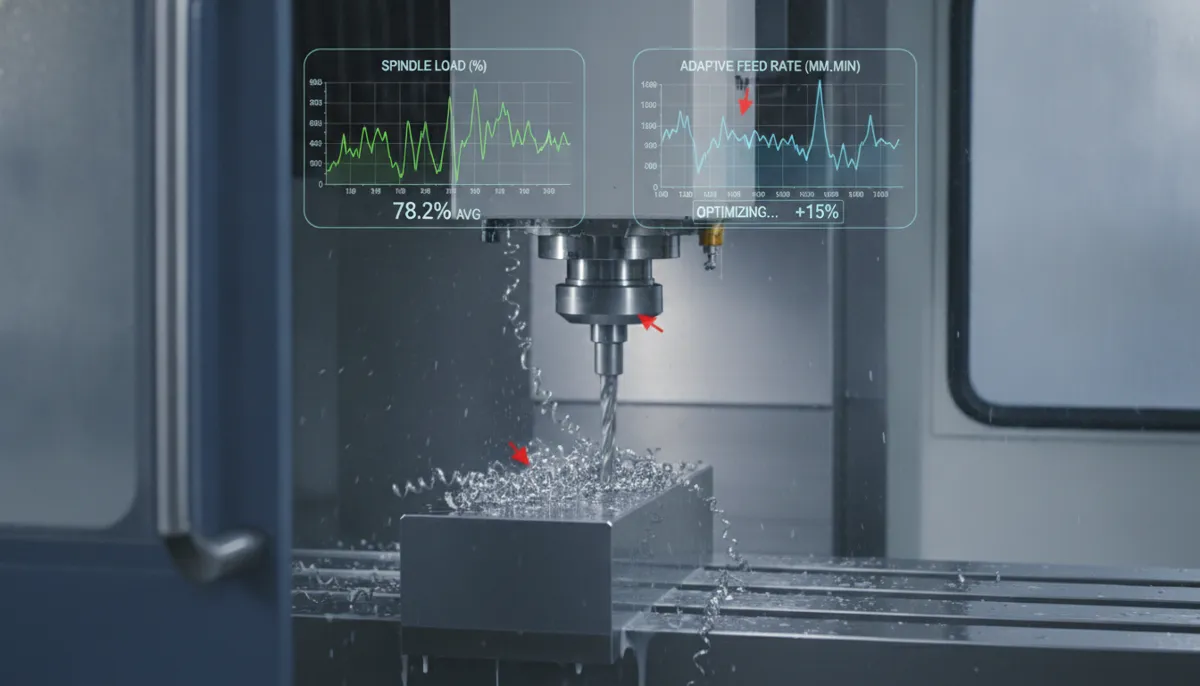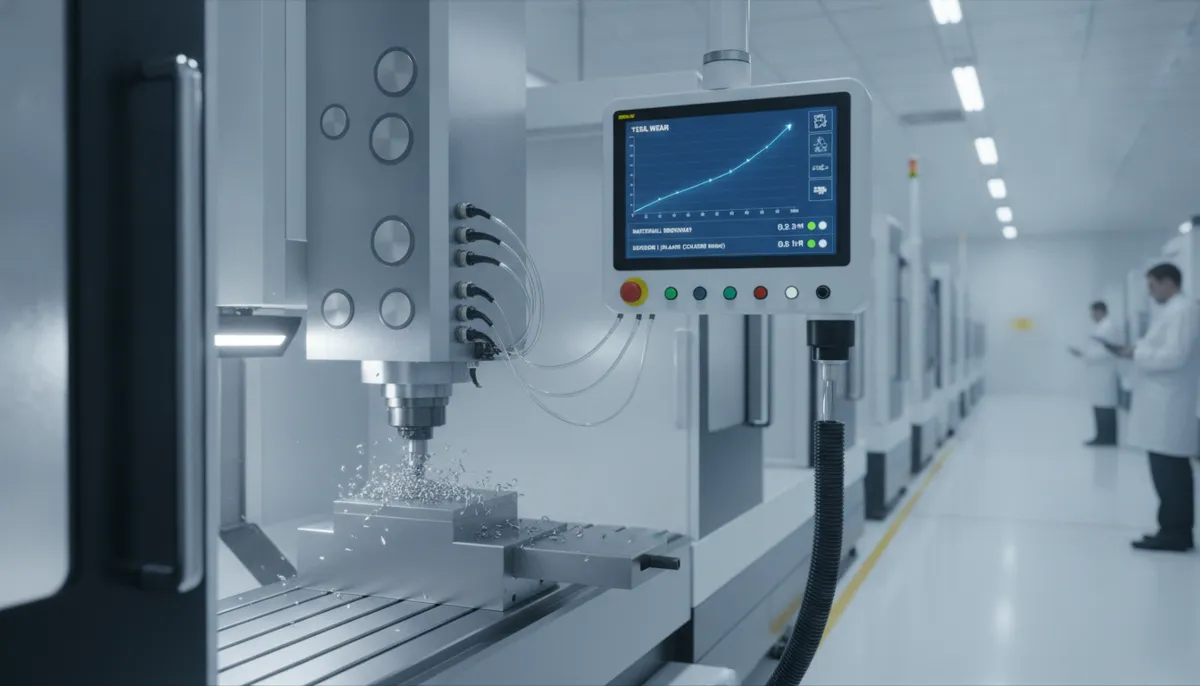
Welcome to the complete guide on CNC post processor explained — written for beginners and intermediate CNC machinists who want to truly understand this often-overlooked but mission-critical piece of software. A CNC post processor is a software translator that converts toolpaths generated in CAM (Computer-Aided Manufacturing) software into G-code that your specific CNC machine can understand and execute. Without the right post processor, your machine may misinterpret axis movements, spindle commands, or coolant cycles — leading to machine crashes, scrapped parts, and costly downtime.
At QiaoFeng CNC, founded in 2010 and trusted by 750+ customers across Europe, North America, and Southeast Asia, we’ve spent 15 years developing and deploying custom post processors for every major CNC controller on the market. This guide covers the CNC post processor definition, how it works, real G-code examples, types, best practices, and how to choose the right one for your machine.
1. Why CNC Post Processors Matter More Than Ever
The global CNC machining industry is expanding rapidly. According to Mordor Intelligence’s Machining Centers Market Report, the global machining centers market is valued at USD 23.67 billion in 2026 and is projected to grow at a CAGR of 5.37% to reach USD 30.75 billion by 2031. Meanwhile, MarketsandMarkets reports the broader CNC market will grow from USD 67.5 billion in 2023 to USD 80.4 billion by 2028.
As more manufacturers adopt multi-axis CNC machining centers, the complexity of post processor configuration increases proportionally. A 3-axis post is relatively straightforward, but a 5-axis simultaneous post for a Heidenhain or Siemens controller requires precise kinematic modeling, tool center point (TCP) management, and safe rotary axis handling. According to ModuleWorks’ industry analysis, incorrect post processor output remains one of the leading software-related causes of CNC machine crashes — a problem the industry is actively working to eliminate through better simulation and validation tools.
2. What Is a CNC Post Processor? (Definition)
A CNC post processor (also called a CAM post or simply “the post”) is a software module — usually a script or configuration file — that sits between your CAM software and your CNC machine controller. Its job is to take the generic, machine-neutral toolpath data calculated by your CAM system and translate it into the exact G-code and M-code dialect that your specific controller understands.
Think of it this way: your CAM software (Fusion 360, Mastercam, SolidCAM, Hypermill, etc.) speaks a universal “CAM language.” Your CNC machine controller (Fanuc, Heidenhain, Siemens, Mitsubishi, Haas, etc.) speaks its own unique dialect. The CNC post processor is the interpreter standing between them — ensuring every command is translated correctly before any cutting begins.
The post processor controls:
- Program structure — header/footer blocks, program number format, line numbering
- Motion commands — G0 rapid, G1 linear feed, G2/G3 arc moves
- Spindle & feed — speed (RPM), feed rate (mm/min or inch/min), direction (M3/M4)
- Tool changes — M6 command, tool length compensation (G43/G44), tool tables
- Coolant — M8 flood on, M9 off, M7 mist, through-spindle coolant
- Work coordinate systems — G54–G59, fixture offsets
- Multi-axis kinematics — rotary axis (A/B/C), TCP (Tool Center Point) mode, RTCP/TCPM
- Safety blocks — safe Z retract, axis limit checks, emergency stops
3. Real-World G-Code Comparison: Why the Post Processor Matters
To make this concrete, here is the same simple drilling cycle output from two different post processors — one for Fanuc and one for Heidenhain TNC 640. These are the two most common controller families in modern CNC machining centers.
Fanuc G-Code Output (Drilling Cycle)
%
O0001 (DRILL_PROGRAM)
G90 G94 G17 G40 G49 G80
G21                        (Metric mode)
T1 M6                      (Tool change: Drill D8mm)
G0 G90 G54 X0. Y0. S2500 M3
G43 H1 Z50. M8             (Tool length comp + coolant ON)
G99 G81 X0. Y0. Z-15. R5. F200.   (Drilling cycle)
X50. Y0.
X50. Y50.
G80                        (Cancel canned cycle)
G0 Z100. M9                (Retract + coolant OFF)
M5                         (Spindle stop)
G91 G28 Z0.                (Return to home)
M30                        (%)
Heidenhain TNC 640 Output (Same Drilling Cycle)
BEGIN PGM DRILL_PROG MM
BLK FORM 0.1 Z X+0 Y+0 Z-50
BLK FORM 0.2 X+100 Y+100 Z+0
TOOL CALL 1 Z S2500
L Z+50 R0 FMAX M13          ; Rapid to Z50, coolant ON
CYCL DEF 200 DRILLING
Q200=5    ; SET-UP CLEARANCE
Q201=-15  ; DEPTH
Q206=200  ; FEED RATE FOR PLUNGING
Q202=5    ; PLUNGING DEPTH
Q210=0    ; DWELL TIME AT TOP
Q203=0    ; SURFACE COORDINATE
Q204=50   ; 2ND SET-UP CLEARANCE
Q211=0    ; DWELL TIME AT DEPTH
L X+0 Y+0 FMAX M99          ; Cycle call at X0 Y0
L X+50 Y+0 FMAX M99         ; Cycle call at X50 Y0
L X+50 Y+50 FMAX M99        ; Cycle call at X50 Y50
L Z+100 R0 FMAX M9           ; Retract + coolant OFF
M30
END PGM DRILL_PROG MM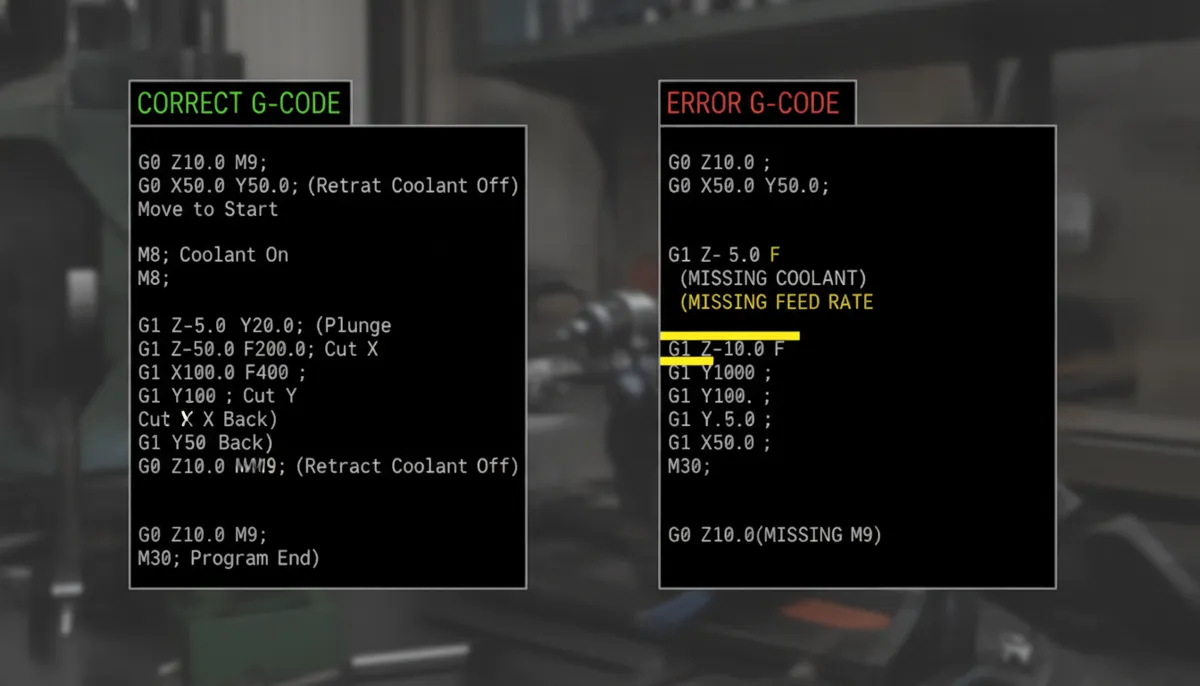
4. How Does a CNC Post Processor Work? (Step-by-Step)
Understanding the workflow helps you troubleshoot issues and configure your post correctly. Here’s the complete path from design to cutting:
- CAD Design — You create your 3D part model in CAD software (SolidWorks, CATIA, Fusion 360, etc.)
- CAM Toolpath — You define machining operations (roughing, finishing, drilling) in your CAM software. The CAM calculates a machine-neutral toolpath — a series of XYZ (and ABC for multi-axis) coordinates with feed/speed data.
- Post Processing — You select your machine’s post processor and run it. The post reads the CAM toolpath and outputs a G-code file (.nc, .tap, .cnc, etc.) formatted for your specific controller.
- Simulation / Verification — You verify the G-code in a machine simulation tool (Vericut, NC Simul, or built-in CAM simulation) to check for collisions and errors.
- DNC / USB Transfer — The verified G-code is transferred to the machine via DNC network, USB, or SD card.
- Dry Run — You run the program on the machine without material (or at reduced feed rate) to confirm all movements are correct.
- Production — Full-speed cutting begins with confidence.
5. Core Features of a Good CNC Post Processor
5.1 Customizable Output Format
Every machine controller has unique syntax requirements. A well-built CNC post processor lets you configure: absolute (G90) vs. incremental (G91) positioning, decimal place precision, line number format (N10, N20…), program header/footer blocks, and unit mode (G20 inch / G21 metric). Without this flexibility, even minor syntax mismatches can trigger controller alarms that halt production.
5.2 Toolpath Optimization
Advanced post processors don’t just translate — they optimize. This includes: suppressing redundant modal G-codes, smoothing arc transitions (G2/G3 vs. linear approximation), minimizing unnecessary Z-retracts between operations, and optimizing rapid traverse paths. In a QiaoFeng case study with a die-cast mold customer in Germany, switching from a generic post to a custom-optimized post reduced cycle time by 22% on a 5-axis finishing operation — without changing a single toolpath parameter in CAM.
5.3 Safety Checks & Collision Avoidance
A production-grade post processor includes automatic safety logic: enforced safe retract height before all rapid moves, feed rate clamping (maximum feed limit), spindle-on verification before cutting moves, coolant-off commands at program end, and axis over-travel warnings. These checks act as a last line of defense before the code reaches the machine.
5.4 Multi-Axis & 5-Axis Support
For 4-axis and 5-axis machines, the post processor must handle simultaneous rotary axis movements, RTCP (Rotation around Tool Center Point) / TCPM activation and deactivation, gimbal lock avoidance, and smooth rotary axis interpolation. A generic 3-axis post will simply fail on a 5-axis program. QiaoFeng’s 5-axis machines use Heidenhain TNC 640 controllers, and our custom posts fully support all TNC 640 cycle definitions including TCPM (M128/M129), Dynamic Collision Monitoring (DCM), and AFC (Adaptive Feed Control).
5.5 Controller-Specific Cycle Support
Modern CNC controllers include powerful built-in fixed cycles for drilling, tapping, boring, probing, and pallet changing. A good post processor maps your CAM operations directly to these native cycles rather than outputting inefficient linear approximations. For example, a Heidenhain rigid tapping cycle (CYCL DEF 206) is far more efficient and accurate than a manually interpolated tapping routine.
6. Generic vs. Custom Post Processor: Full Comparison
One of the most common questions we receive at QiaoFeng is: “Can I just use the free post processor that came with my CAM software?” The answer depends on your machine and the complexity of your work. Here’s a detailed comparison:
| Feature | Generic / Free Post | Custom Post (QiaoFeng) |
|---|---|---|
| Cost | Free – Low | One-time fee, lifetime free updates |
| Controller Support | Common controllers only (Fanuc, Haas) | All controllers incl. Heidenhain, Siemens, Mitsubishi |
| Advanced Fixed Cycles | Limited or not supported | Full native cycle support |
| 5-Axis / RTCP Support | Often incomplete | Full RTCP/TCPM, kinematic modeling |
| Safety Features | Basic | Comprehensive (retract, feed clamp, spindle check) |
| Toolpath Optimization | Minimal | Cycle time reduction, arc smoothing |
| Vendor Support | Community forums | Dedicated engineer, 24hr response |
| Update Frequency | Irregular / manual | Lifetime free updates with firmware changes |
| Warranty | None | 2-year warranty on all QiaoFeng posts |
| Best For | Simple 3-axis jobs, hobbyists | Production shops, multi-axis, complex parts |
7. Pros & Cons: Generic vs. Custom Post Processors
✅ Pros of Generic Posts
- Free or very low cost
- Widely available for Fanuc, Haas, Mazak
- Quick to get started for simple 3-axis work
- Large community support online
- Good for prototyping and hobbyist use
❌ Cons of Generic Posts
- Often require manual G-code editing
- May not support advanced cycles or RTCP
- No safety checks or feed clamping
- Risk of errors on non-standard operations
- No vendor support when things go wrong
✅ Pros of Custom Posts
- Tailored exactly to your machine & controller
- Full cycle support, safety logic included
- Reduces cycle time through optimization
- Dedicated engineer support
- Lifetime free updates included
❌ Cons of Custom Posts
- Higher upfront investment
- Development lead time (typically 3–7 days)
- Overkill for very simple 3-axis operations
- Requires accurate machine spec documentation
8. What Our Customers Say
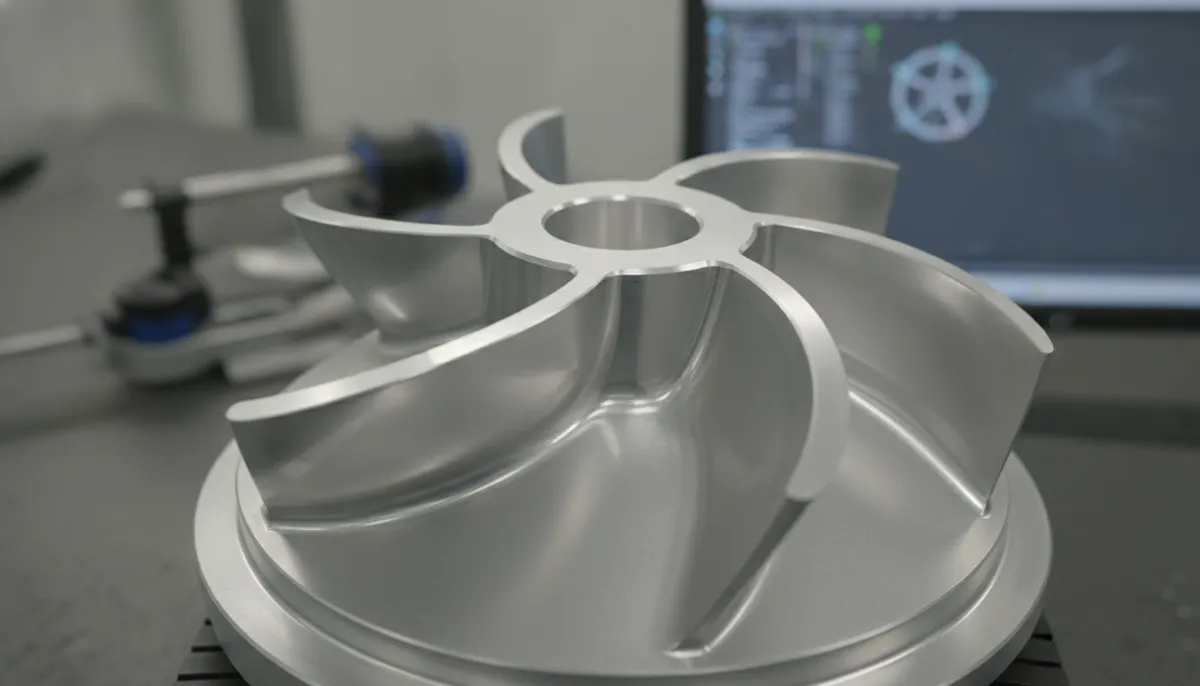
“We’ve been running QiaoFeng’s custom post processor on our 5-axis Heidenhain TNC 640 machining center for eight months. The post handles our complex impeller and turbine blade geometry perfectly — zero crashes since day one. We saw a 15% increase in throughput within the first month, and the cycle time optimization alone paid for the post within two weeks. Their engineering team responded to every question within 24 hours.”
“We machine high-tolerance orthopedic implants to ISO 13485 standards, so there is zero room for G-code errors. Before switching to QiaoFeng’s custom post, our programmers spent 2–3 hours per week manually editing code. After the switch, that dropped to near zero. The post handles our Siemens 840D controller’s CYCLE800 tilted plane operations flawlessly. Highly recommended for any medical device shop running multi-axis work.”
“Chúng tôi đã đặt mua ba trung tâm gia công 5 trục từ QiaoFeng cho dây chuyền sản xuất phụ tùng ô tô. Các post processor tùy chỉnh đi kèm hoạt động hoàn hảo với phần mềm CAM Mastercam của chúng tôi ngay từ ngày đầu tiên — không có thời gian chết, không có sự cố, không cần chỉnh sửa thủ công. Đội ngũ kỹ thuật của QiaoFeng rất chuyên nghiệp và hỗ trợ nhanh chóng. Chúng tôi sẽ tiếp tục hợp tác lâu dài.”
9. FAQ: CNC Post Processor Explained
What is the difference between a CAM post and a CNC post processor?
They refer to the same thing. “CAM post” emphasizes that the post processor runs inside your CAM software environment, while “CNC post processor” is the broader industry term. Both perform the same function: translating machine-neutral toolpath data into controller-specific G-code and M-code.
Can I use the same post processor for different CNC machines?
Only if the machines have identical controller models, firmware versions, and axis configurations. Even machines from the same manufacturer (e.g., two Fanuc 0i-MF controllers) may differ in optional features like probing cycles or pallet changers. Always use a post specifically configured for each machine model. Using the wrong post is one of the most common causes of machine alarms and crashes.
How do I verify that my CNC post processor is correct?
Follow this three-step validation process: (1) Run a full machine simulation in your CAM software or a dedicated tool like Vericut to check for collisions and axis over-travel. (2) Perform a dry run on the actual machine with the spindle off and no material — watch every axis movement carefully. (3) Run a first-off part in a soft material (e.g., aluminum or foam) at 50% feed rate before committing to production material. QiaoFeng also offers a free post verification service for all new customers.
What are the most common CNC post processor errors?
The five most common errors we see are: (1) Missing program end block — machine doesn’t stop cleanly; (2) Incorrect unit mode — G20/G21 mismatch causes wrong feed rates; (3) Wrong arc center format — I/J/K vs. R format incompatibility; (4) Missing coolant-off command — coolant runs indefinitely; (5) Incorrect RTCP/TCPM activation on 5-axis machines — causes positional errors on rotary moves. All of these are eliminated in QiaoFeng’s validated custom posts.
How often should I update my CNC post processor?
You should update your post whenever you: upgrade your CAM software to a new major version, update your machine controller firmware, add new machine options (probing, pallet changer, through-spindle coolant), or encounter new alarm codes that weren’t present before. QiaoFeng provides lifetime free updates on all custom posts — simply contact us with your firmware version and we’ll issue an updated post within 48 hours.
Does QiaoFeng provide post processors for machines they didn’t manufacture?
Yes. While we specialize in posts for QiaoFeng machining centers, our engineering team also develops custom posts for third-party machines. We support all major controllers including Fanuc, Heidenhain TNC 320/530/640, Siemens 828D/840D, Mitsubishi M70/M80, Mazatrol, and Haas. Contact us with your machine spec sheet for a free assessment.
What is QiaoFeng’s refund and warranty policy for post processors?
All QiaoFeng custom post processors come with a 2-year warranty. If the post has a verified quality issue (e.g., incorrect G-code output for a documented operation), we will fix it at no charge or issue a full refund. We do not support no-reason returns for correctly functioning posts. Lifetime free updates are included for all customers.
Ready to Eliminate Post Processor Problems for Good?
Get a custom CNC post processor built specifically for your machine and controller — backed by 15 years of experience, 750+ global customers, and a 2-year warranty. Free consultation and post verification for new customers.
References
- Mordor Intelligence. Machining Centers Market Size, Share & Growth Trends Report, 2026. https://www.mordorintelligence.com/industry-reports/machining-centers-market
- MarketsandMarkets. CNC Machine Market Size, Share and Industry Report, 2023–2028. https://www.marketsandmarkets.com/Market-Reports/cnc-market-195192631.html
- ModuleWorks. Eliminating All CNC Machine Crashes by 2030 — Collision Avoidance Systems & CAM-Machine Tool Partnerships, 2025. https://www.moduleworks.com/eliminating-all-cnc-machine-crashes-by-2030/
- Fortune Business Insights. CNC Machine Market Size & Growth Forecast to 2034, 2026. https://www.fortunebusinessinsights.com/industry-reports/computer-numerical-controls-cnc-machine-tools-market-101707
- Technavio. 5-Axis CNC Machining Centers Market Size 2025–2029. https://www.technavio.com/report/5-axis-cnc-machining-centers-market-industry-analysis