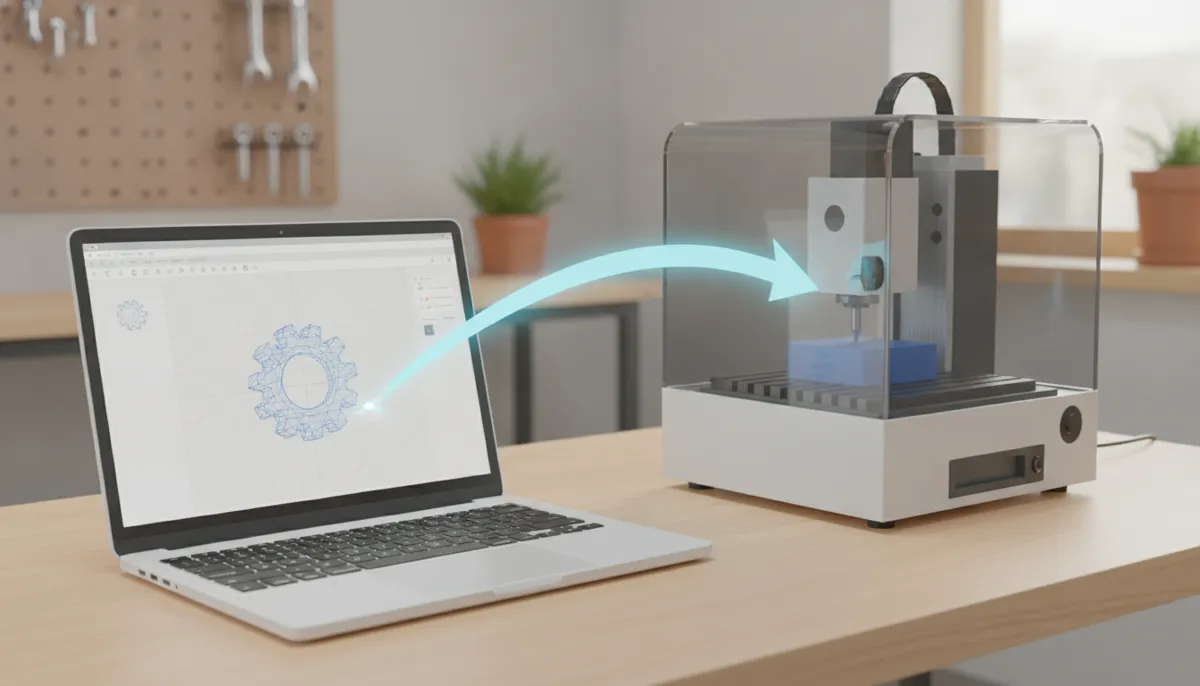
Welcome to the world of CNC machining! If you are a beginner, you have likely heard the term “CAD” thrown around in workshops or online forums. In this comprehensive guide, we will get CAD for CNC explained in plain English. We will cover everything from the basic definition of computer-aided design to how it powers your physical machining projects. At QiaoFeng, we specialize in building the CNC machines that turn your digital CAD designs into physical reality.
Industry Insights: The Growth of CAD in Manufacturing
The reliance on digital design is growing exponentially. According to a 2023 report by Grand View Research, the global 3D CAD software market size is expected to expand at a compound annual growth rate (CAGR) of 6.7% from 2024 to 2030. Furthermore, MarketsandMarkets highlights that the integration of CAD with CAM (Computer-Aided Manufacturing) is the primary driver for modern precision engineering. This data underscores why mastering CAD is a must for modern CNC workflows.
What is CAD? Computer-Aided Design Basics
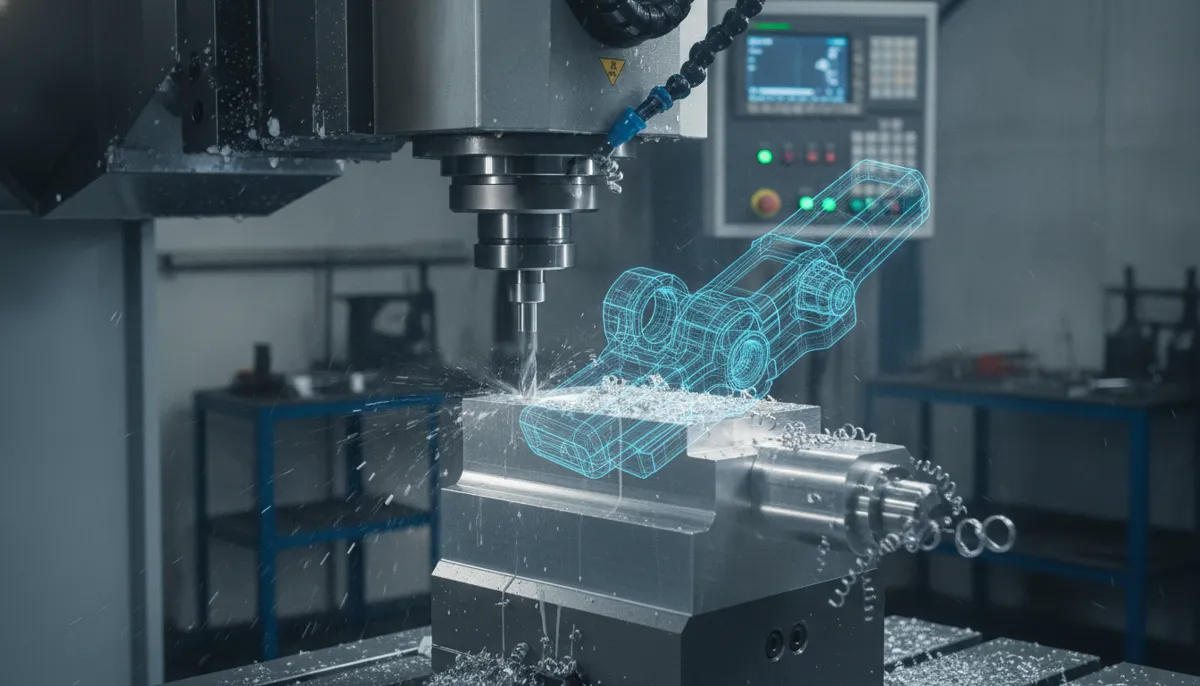
CAD stands for Computer-Aided Design. It is the software used by engineers and designers to create precise 2D drawings or 3D models of parts and products. For CNC beginners, think of CAD as the digital blueprint that dictates the exact geometry of your final product. Without CAD, you would have to manually plot coordinates—a tedious and highly error-prone process. With CAD, you can design complex geometries, simulate assemblies, and make instant modifications.
CAD vs CAM: Getting CAD for CNC Explained
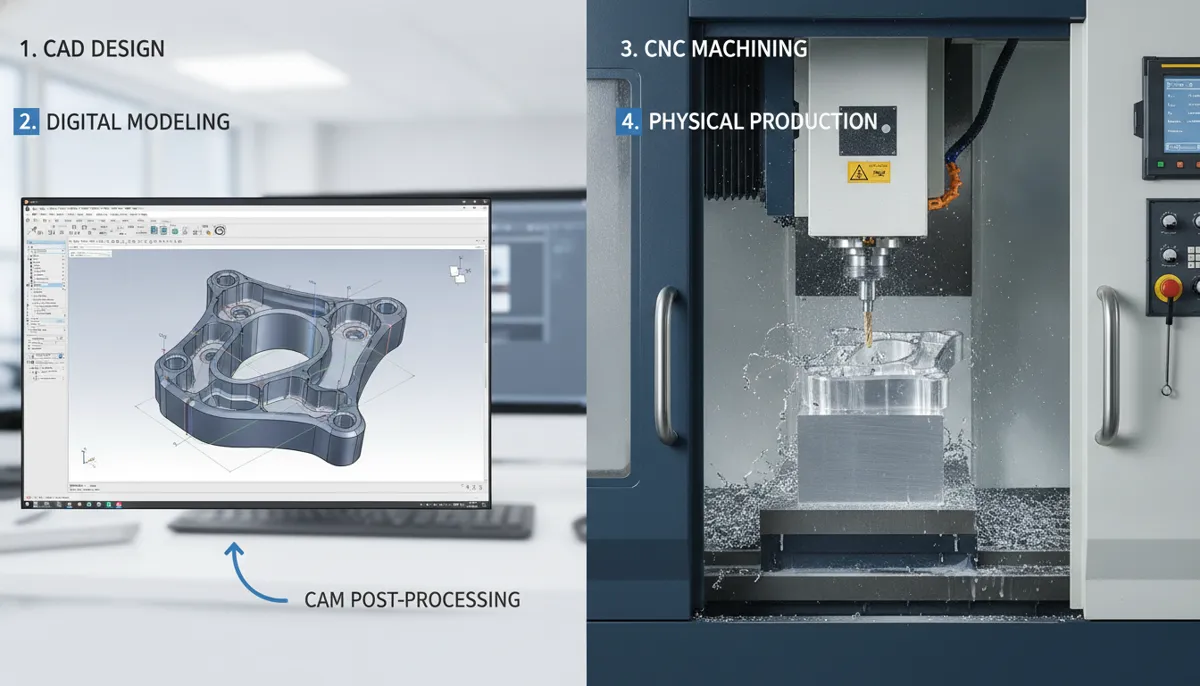
A common hurdle for beginners is understanding the difference between CAD and CAM. While CAD focuses on the design of the part, CAM (Computer-Aided Manufacturing) converts that design into machine-readable instructions (G-code) that tell the CNC machine how to move. Here is a clear breakdown:
| Feature | CAD (Computer-Aided Design) | CAM (Computer-Aided Manufacturing) |
|---|---|---|
| Primary Purpose | To design and draft the 2D/3D model | To generate toolpaths and G-code |
| Output File Types | .STL, .STEP, .IGES, .DXF | .NC, .TAP, .GCODE |
| User Focus | Geometry, dimensions, tolerances | Cutting speeds, feeds, tool selection |
| Analogy | Writing the recipe | Cooking the meal |
Real-World Application: CAD for CNC Explained in Action
Since our establishment in 2010, QiaoFeng has served over 750+ clients globally, helping them bridge the gap between digital design and physical manufacturing. Here is how our clients across different regions utilize CAD with our CNC machines:
“We design complex aerospace brackets in SolidWorks. QiaoFeng’s 5-axis machines perfectly execute our CAD designs without any translation errors, reducing our material waste by 30%.”
“As a rapid prototyping shop, we receive various CAD formats daily. The seamless transition from our customers’ CAD files to QiaoFeng’s machining centers allows us to deliver parts 20% faster.”
“The precision of QiaoFeng CNCs matches our intricate electronic enclosure CAD models exactly. It completely eliminated our manual rework process.”
Pros of Using CAD for CNC
- Extreme precision and dimensional accuracy
- Easy to modify designs (Parametric modeling)
- Reduces material waste through simulation
- Easy sharing and cloud collaboration
Challenges for Beginners
- Steep learning curve for advanced 3D software
- Professional software licenses can be expensive
- Requires a computer with good processing power
FAQ: CAD for CNC Explained for Beginners
What is the best CAD software for CNC beginners?
For beginners, we highly recommend Fusion 360 or Onshape. Both offer user-friendly interfaces, integrated CAM features, and free versions for hobbyists or startups.
Do I need to learn CAD before using a CNC machine?
Yes, a CNC machine requires a digital design to follow. While some machines come with pre-loaded test files, creating your own custom parts requires basic CAD knowledge.
Can I use any CAD software with QiaoFeng machines?
Absolutely. QiaoFeng machines are compatible with any CAD/CAM software that can output standard G-code. As long as your software can export standard formats (like .STEP or .DXF) to your CAM program, our machines will cut it flawlessly.
Ready to Turn Your CAD Designs into Reality?
Now that you have CAD for CNC explained, it is time to take the next step in your manufacturing journey. Contact QiaoFeng today to find the perfect CNC machine for your designs.
References
- Mordor Intelligence. (2024). Machining Centers Market Size, Share & Growth Trends Report.
- Grand View Research. (2023). 3D CAD Software Market Size, Share & Trends Analysis Report.
- MarketsandMarkets. (2023). Computer-Aided Manufacturing (CAM) Market – Global Forecast to 2028.