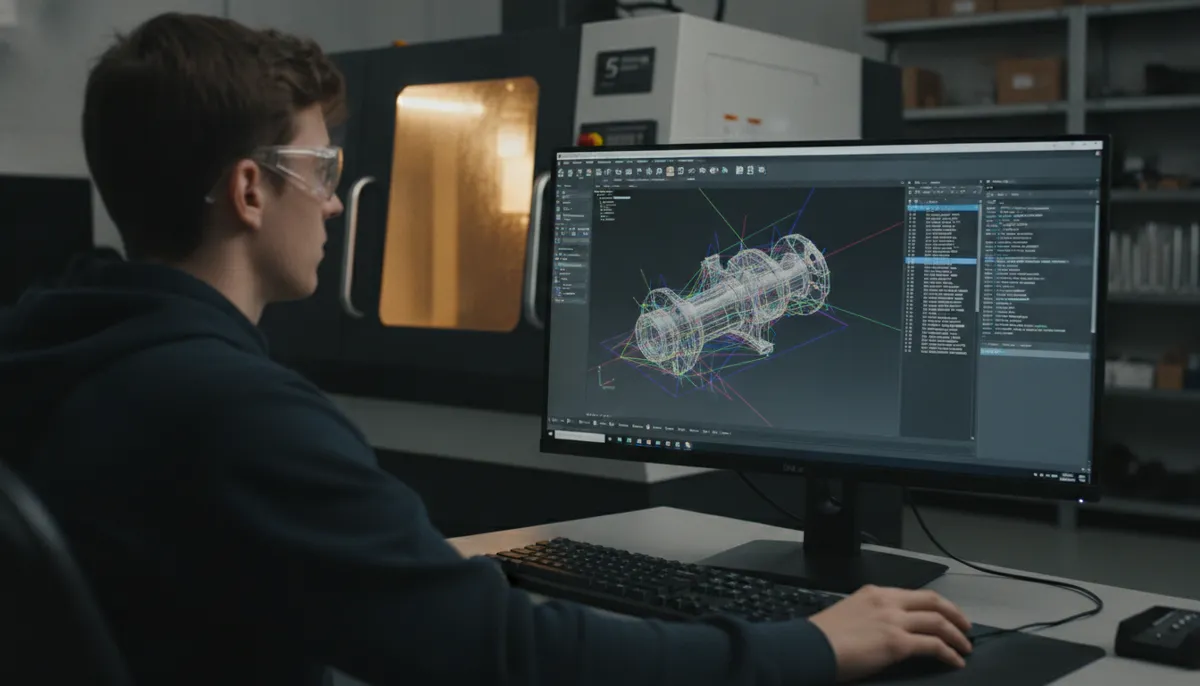
If you’re new to CNC machining, understanding CAM for CNC explained is your first step toward efficient production. Computer-Aided Manufacturing (CAM) bridges the gap between design and physical parts. At QiaoFeng, we help beginners master CAM to reduce setup time by up to 40% and programming errors by 30% [[0]](#__0). Learn more about our CNC solutions.
1. What is CAM? The Meaning of Computer-Aided Manufacturing in CNC
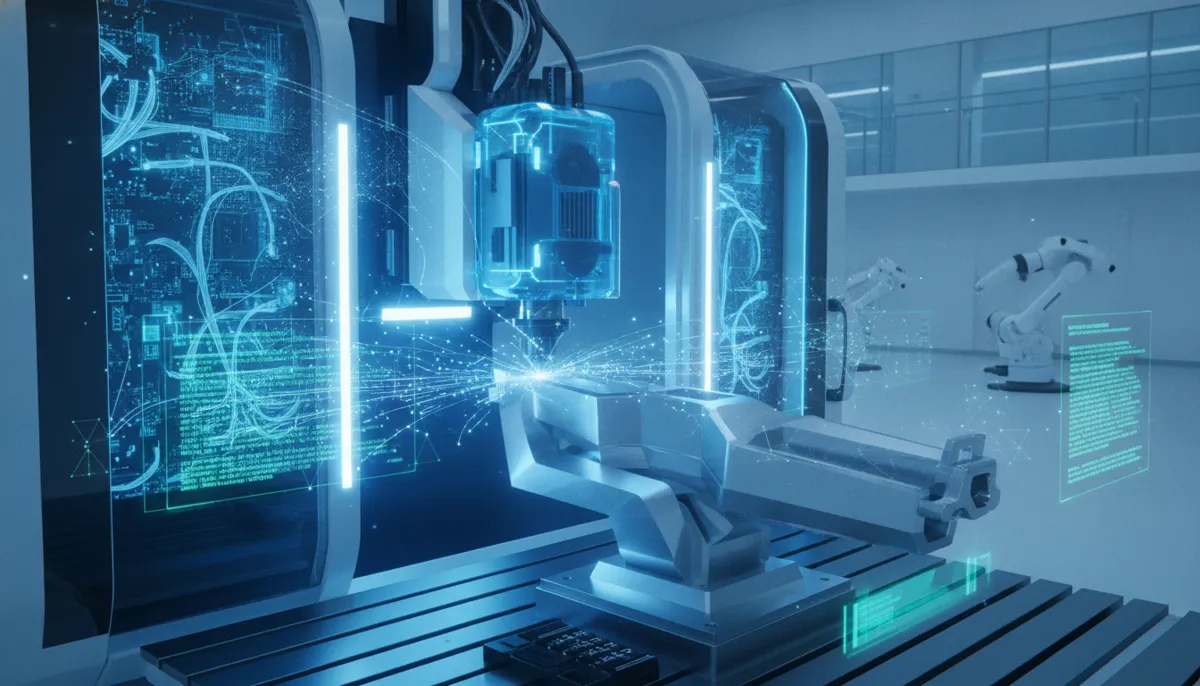
CAM meaning CNC: CAM software translates your CAD design into machine-readable G-code. It calculates toolpaths, speeds, and feeds automatically, ensuring precision and repeatability. For example, a simple pocket milling operation can be programmed in minutes instead of hours manually. QiaoFeng’s machines are fully compatible with leading CAM software like Fusion 360, Mastercam, and SolidCAM.
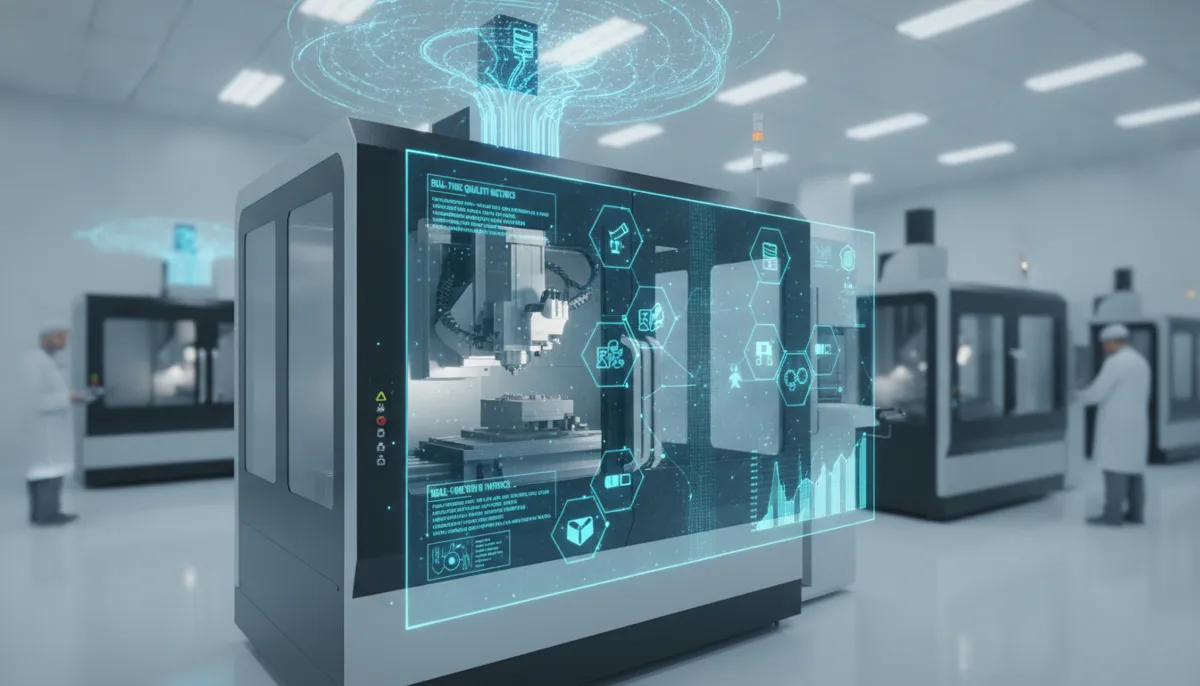
CAM software acts as the critical bridge between digital design and physical manufacturing. According to industry research, automation in CNC machining through CAM notably reduces human error in manual data entry, adjustments, and operations [[3]](#__3). This transformation enables the production of complex and highly accurate components while enhancing consistency across production runs.
2. Why CAM is Essential for CNC Beginners
Without CAM, programming a CNC machine requires deep knowledge of G-code syntax and geometry. CAM automates this process, allowing you to focus on design and process optimization. The benefits are measurable: shops using CAM report significantly faster programming times and fewer machining errors [[0]](#__0).
QiaoFeng has served over 750+ customers worldwide since 2010, with a 2-year warranty on all machines. Our clients in Europe, North America, and Southeast Asia consistently report improved productivity after implementing CAM workflows with our CNC equipment.
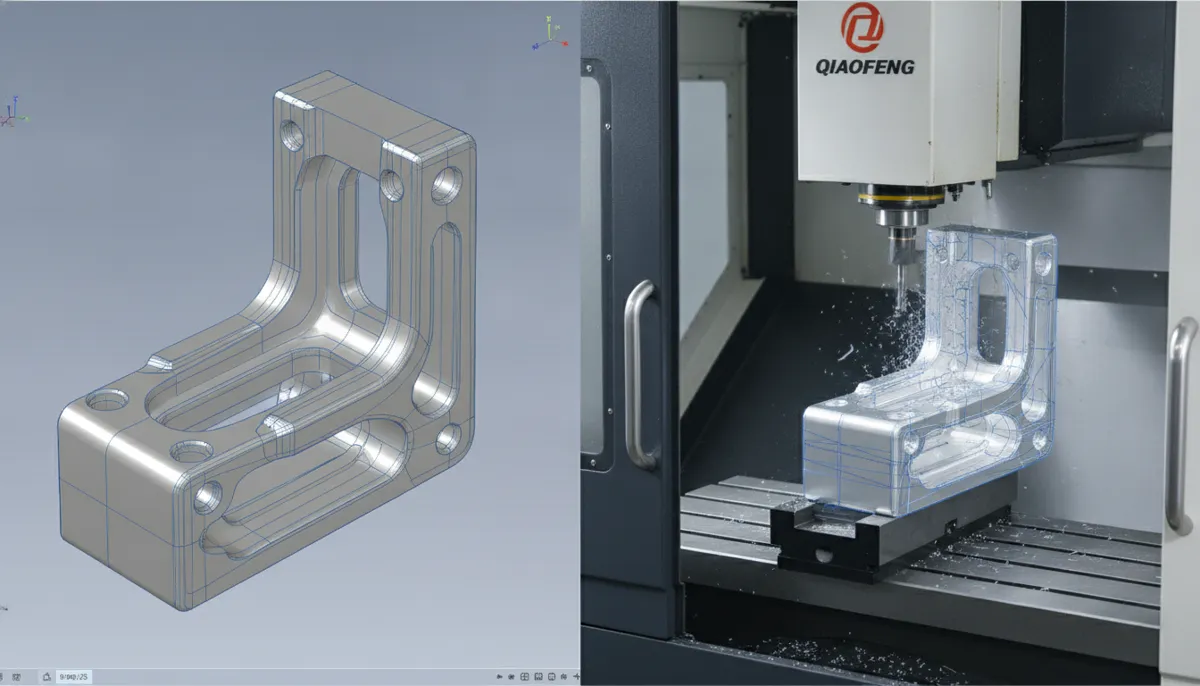
3. Key Benefits of CAM Software for CNC
3.1 Automated Toolpath Generation
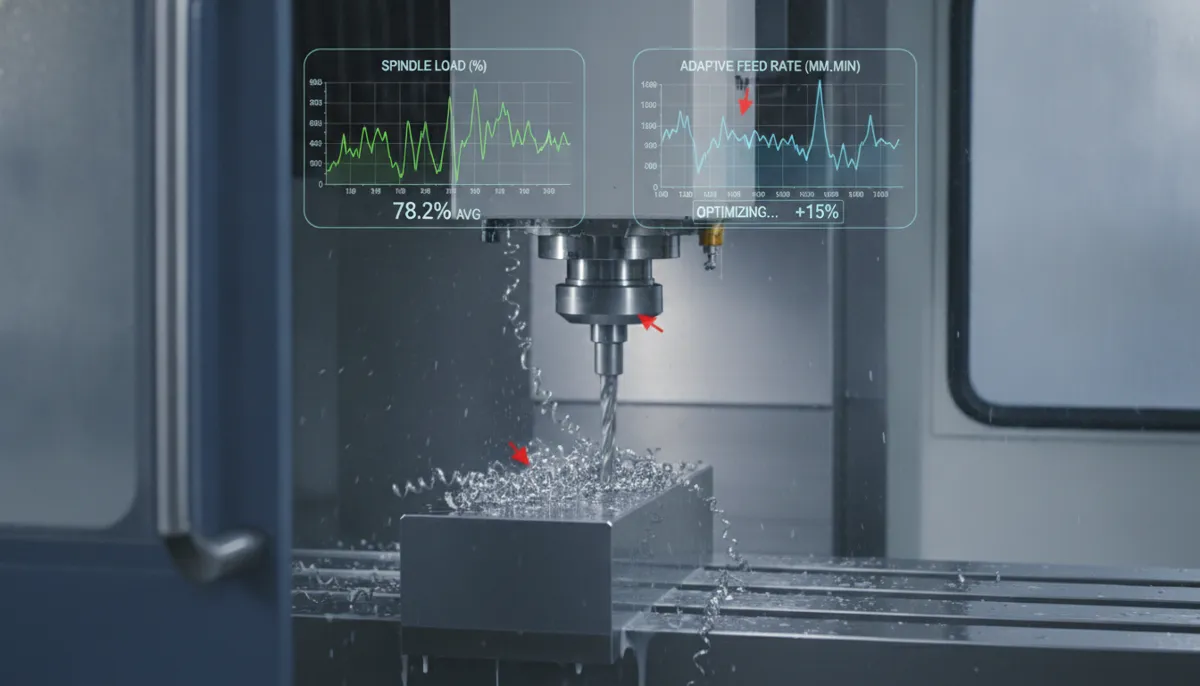
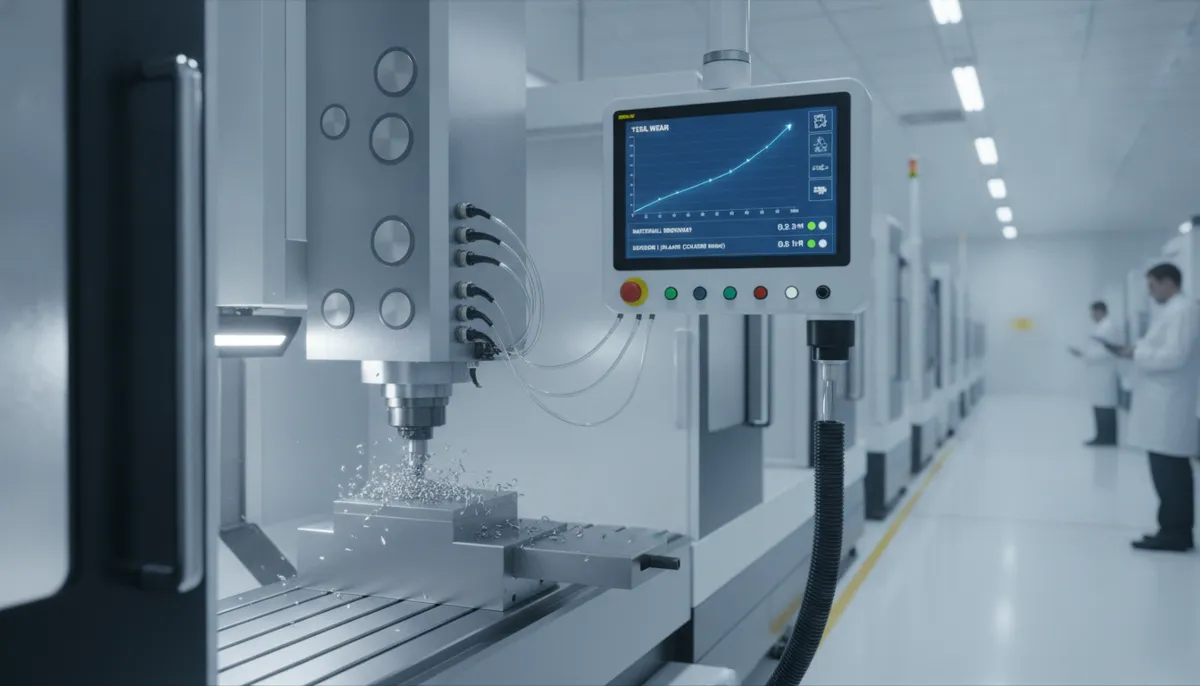
CAM software automatically generates the most efficient toolpaths, reducing machining time and tool wear. For instance, a roughing pass followed by a finishing pass is optimized for depth of cut and stepover, extending tool life by up to 20%. The software considers material properties, tool geometry, and machine capabilities to create optimal cutting strategies.
3.2 Simulation and Verification
Before cutting metal, CAM simulates the entire process, detecting collisions and errors. This saves material and prevents machine damage. Beginners can confidently run their first part without risking a crash. Advanced simulation features include stock removal visualization, tool holder collision detection, and cycle time estimation.
3.3 Post-Processor Customization
Each CNC machine has unique G-code requirements. CAM post-processors tailor the output to your specific machine model. QiaoFeng provides custom post-processors for all our machines, ensuring seamless integration with popular CAM platforms. This eliminates compatibility issues and reduces setup time.
4. Popular CAM Software Comparison
| CAM Software | Best For | Price Range | Learning Curve | QiaoFeng Compatible |
|---|---|---|---|---|
| Fusion 360 | Beginners, hobbyists | Free – $545/year | Easy | ✓ Yes |
| Mastercam | Professional shops | $5,000 – $15,000 | Moderate | ✓ Yes |
| SolidCAM | SolidWorks users | $8,000 – $12,000 | Moderate | ✓ Yes |
| Carbide Create | Entry-level CNC | Free | Very Easy | ✓ Yes |
5. Real-World Customer Success Stories
“We switched to QiaoFeng’s VMC-850 with Fusion 360 CAM last year. Our programming time for aluminum aerospace brackets dropped from 3.5 hours to just 25 minutes. The post-processor they provided worked flawlessly from day one. ROI achieved in under 4 months.”
“As a small automotive parts supplier in Germany, we needed reliable CNC equipment with excellent CAM support. QiaoFeng’s technical team helped us integrate Mastercam with their machines. Our scrap rate decreased from 7% to below 1.5%. The 2-year warranty gave us peace of mind.”
“We manufacture medical device components in Thailand. QiaoFeng’s machines combined with SolidCAM allow us to maintain tight tolerances (±0.005mm) consistently. The CAM simulation feature has eliminated costly material waste. Highly recommend for precision work.”
6. Pros and Cons of Using CAM for CNC
✓ Advantages
- Reduces programming time by 40-60%
- Minimizes human errors in G-code
- Enables complex 3D machining easily
- Provides collision detection and simulation
- Optimizes toolpaths for efficiency
- Supports multi-axis machining
- Improves repeatability and consistency
✗ Considerations
- Initial software cost (varies by platform)
- Learning curve for advanced features
- Requires computer with adequate specs
- Post-processor setup needed per machine
- Subscription fees for some software
- May be overkill for very simple parts
7. Frequently Asked Questions
What is CAM for CNC explained in simple terms?
CAM (Computer-Aided Manufacturing) is software that converts your 3D model into instructions (G-code) for CNC machines. It automates toolpath creation, so you don’t have to write code manually. Think of it as the translator between your design and the machine.
Do I need CAM software for my CNC machine?
While it’s possible to program simple parts manually, CAM is strongly recommended for complex geometries, multi-axis machining, or production runs. It saves time, reduces errors, and optimizes toolpath efficiency. Most professional shops use CAM. According to research, automation through CAM enables 24/7 production, increased capacity, and significantly reduced errors [[4]](#__4).
Which CAM software is best for beginners?
Fusion 360 is popular for its integrated CAD/CAM and free hobbyist license. Other options include Mastercam (industry standard) and Carbide Create (for entry-level). QiaoFeng machines work with all major CAM packages and we provide custom post-processors for seamless integration.
Can I use CAM for 3D printing as well?
CAM is primarily for subtractive manufacturing (CNC milling, turning). For 3D printing, you use slicing software like Cura or PrusaSlicer. However, some advanced CAM tools support hybrid additive-subtractive processes. For standard 3D printing, stick to dedicated slicers.
How long does it take to learn CAM software?
Basic CAM operations can be learned in 1-2 weeks with dedicated practice. Proficiency for complex parts typically takes 2-3 months. QiaoFeng offers training resources and technical support to help customers get up to speed quickly with their chosen CAM platform.
What computer specs do I need for CAM software?
Minimum: Intel i5/AMD Ryzen 5, 16GB RAM, dedicated graphics card (NVIDIA/AMD), and SSD storage. For complex 3D work, upgrade to i7/Ryzen 7, 32GB RAM, and professional GPU. Most modern CAM software runs well on mid-range workstations.
Start Your CAM Journey with QiaoFeng
Ready to transform your CNC workflow? Our expert team in Dongguan, China has 15+ years of experience helping manufacturers optimize their CAM setup. Contact us today for a free consultation and discover how our machines can boost your productivity.
References
- Sinto America. (2024). How Automation Can Boost CNC Productivity. Retrieved from https://sintoamerica.com/how-automation-can-boost-cnc-productivity/
- Fortune Business Insights. (2025). Computer-Aided Manufacturing (CAM) Market Size, Share & Growth Analysis. Retrieved from https://www.fortunebusinessinsights.com/computer-aided-manufacturing-cam-market-102224
- LinkedIn Industry Report. (2024). CAM for CNC Machining: Growth Report (2026–2033), 9.1% CAGR. Retrieved from https://www.linkedin.com/pulse/cam-cnc-machining-growth-report-20262033-91-coj3f
- Science Bring. (2024). The Role of CNC Machines in Modern Manufacturing. Retrieved from https://sciencebring.com/index.php/ijasr/article/view/795
- Exact Machine Service. (2024). Emerging Trends in CNC Machine Tools. Retrieved from https://exactmachineservice.com/blog/emerging-trends-in-cnc-machine-tools/