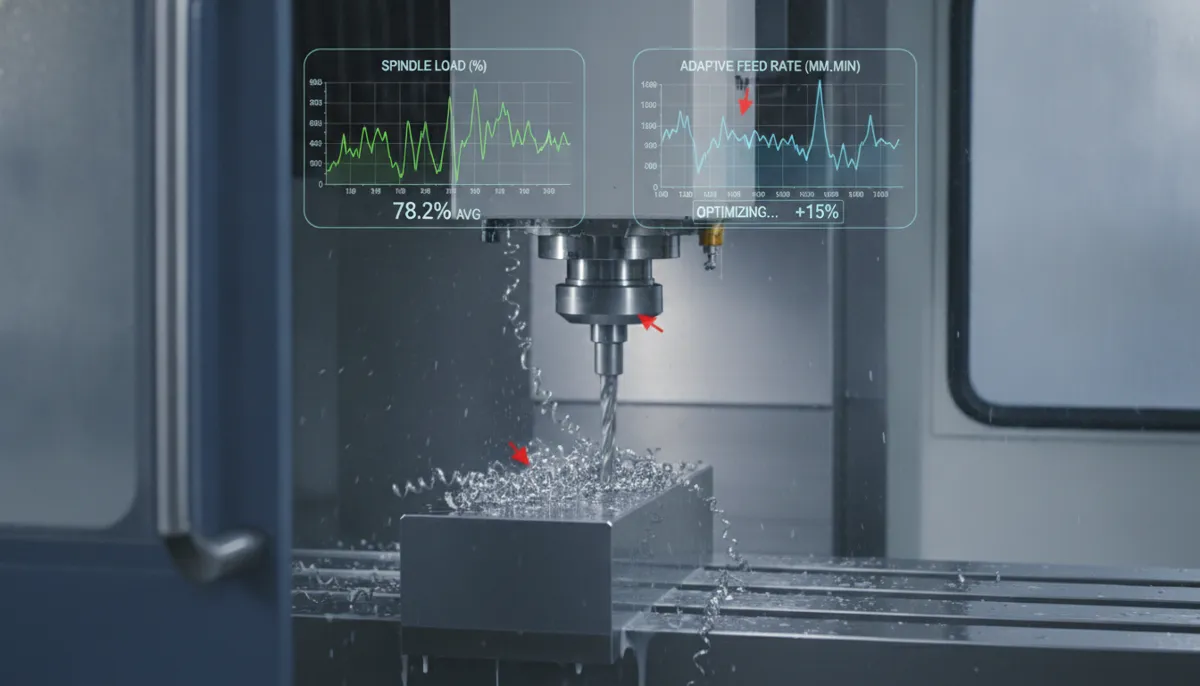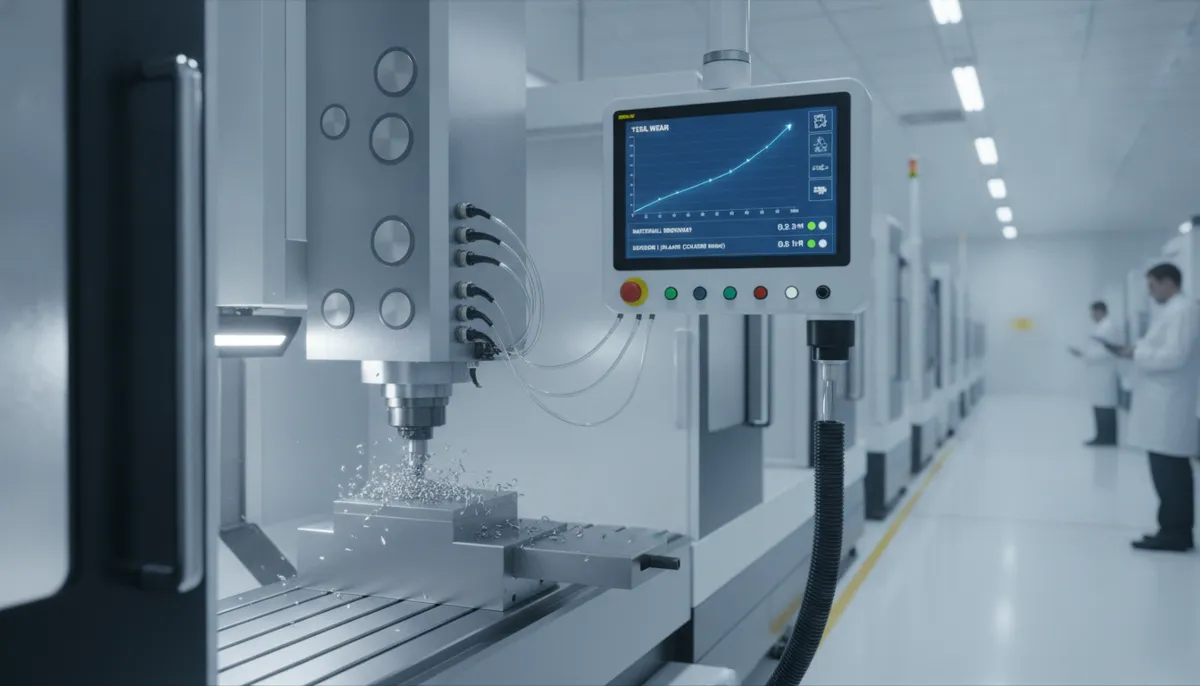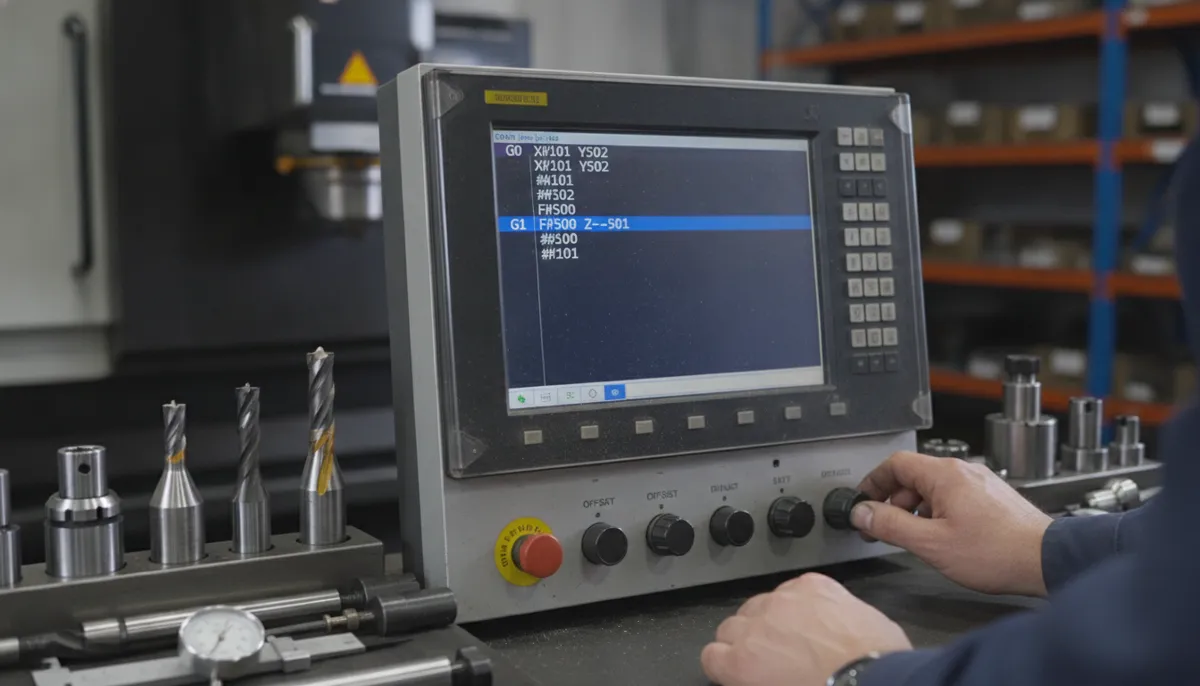
CNC macro programming — also called parametric programming — is one of the most powerful skills a machinist can master. If you’re a CNC beginner looking to move beyond fixed G-code and unlock true programming flexibility, this guide is for you. At QiaoFeng, founded in 2010 and serving 750+ manufacturers across Europe, North America, and Southeast Asia, we’ve seen firsthand how CNC macro programming can cut programming time by up to 70% and reduce setup errors dramatically. Let’s break it all down.
1. What Is CNC Macro Programming? Definition & Core Concept
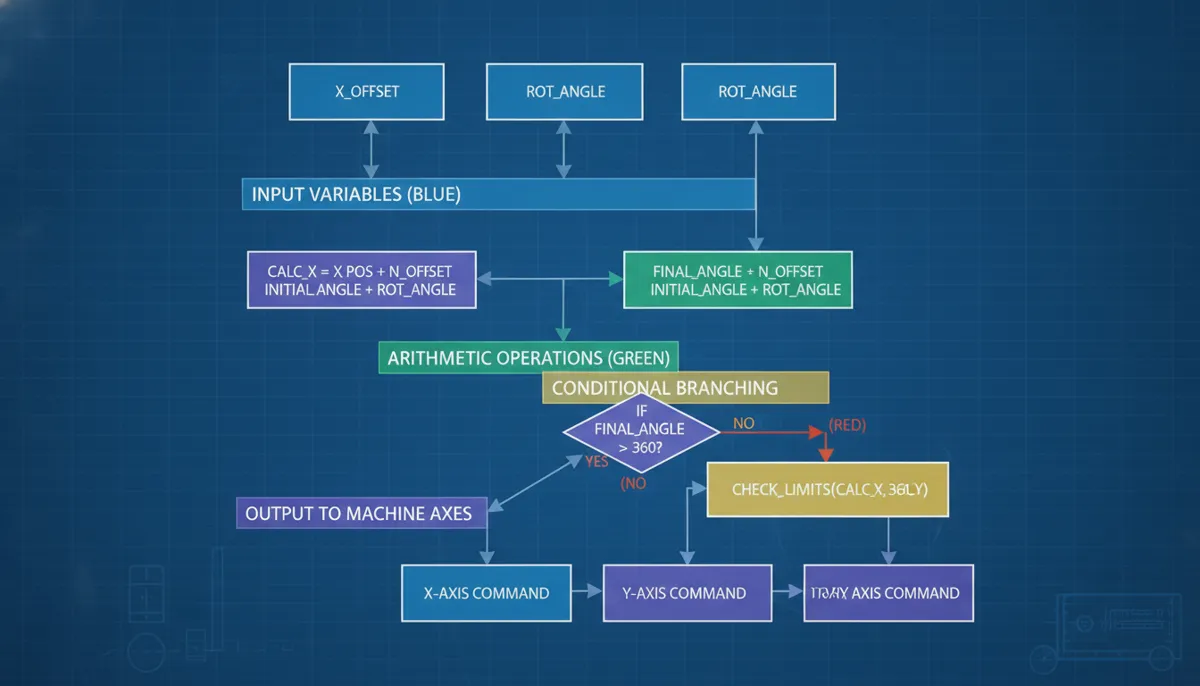
CNC macro programming is a powerful extension of standard G-code that allows you to use variables, arithmetic, conditional logic, and loops within your machining programs. Instead of writing fixed coordinates for every part, you create flexible, intelligent programs that adapt to different dimensions, materials, or tooling — automatically. The most widely used standard today is Fanuc Macro B, supported by the majority of modern CNC controls.
For beginners, the key insight is this: where standard G-code is a script, CNC macro programming is a program — one that can think, calculate, and repeat.
2. Core Features of CNC Macro Programming
- CNC Variables: Use local variables (
#1–#33) and global variables (#100–#199) to store dimensions, feeds, speeds, or counters. This eliminates hard-coded numbers and makes programs reusable across part families. - Arithmetic Operations: Perform addition (
+), subtraction (-), multiplication (*), and division (/) — plus trigonometric functions likeSIN,COS, andSQRT— directly in the program. - Conditional Statements (IF/THEN/GOTO): Add decision-making logic. For example, if a measured dimension exceeds tolerance, the program can trigger an alarm or automatic tool offset compensation.
- Looping (WHILE/DO/END): Repeat machining operations without rewriting code — ideal for bolt hole circles, multi-pass roughing, or progressive depth drilling.
- Custom Macro B Subprograms: Create reusable parametric subprograms callable with different arguments. This is the foundation of parametric programming for families of parts.
3. CNC Macro Programming Code Examples (Fanuc Macro B)
Example 1 — Basic Variable Assignment & Drilling
This is the simplest form of CNC macro programming: assigning values to variables and using them in G-code blocks.
; ── Main Program O0001 ──────────────────────────────
O0001
#1 = 25.0        ; Hole X position (mm)
#2 = 30.0        ; Hole Y position (mm)
#3 = -15.0       ; Drilling depth (mm)
#4 = 120.0       ; Feed rate (mm/min)

G90 G54 G00 X#1 Y#2   ; Rapid to hole position
G43 Z5.0 H01 S800 M03  ; Tool length comp, spindle on
G81 Z#3 R2.0 F#4       ; Drill cycle with variable depth & feed
G80 G00 Z50.0           ; Cancel cycle, retract
M30                     ; Program end
Example 2 — WHILE Loop: Bolt Hole Circle
This macro automatically calculates and drills an evenly-spaced bolt hole circle — no manual coordinate calculation required.
; ── Subprogram O9001: Bolt Hole Circle ──────────────
O9001
; Arguments passed from main program:
;   #1 = Circle radius (mm)
;   #2 = Number of holes
;   #3 = Drilling depth (mm)
;   #4 = Feed rate (mm/min)

#10 = 0.0                    ; Starting angle (degrees)
#11 = 360.0 / #2            ; Angular increment per hole

WHILE [#10 LT 360.0] DO1
  #20 = #1 * COS[#10]      ; X coordinate
  #21 = #1 * SIN[#10]      ; Y coordinate
  G90 G00 X#20 Y#21
  G81 Z#3 R2.0 F#4          ; Drill at calculated position
  G80
  #10 = #10 + #11          ; Increment angle
END1
M99                          ; Return to main program

; ── Main Program Call ───────────────────────────────
O0002
G90 G54 G00 Z50.0
G65 P9001 A50.0 B8 C-20.0 D100.0
; A=radius 50mm, B=8 holes, C=depth -20mm, D=feed 100
M30
Example 3 — IF Conditional: Tool Life Management
This macro counts how many times a tool has been used and triggers an alarm when it reaches the replacement threshold — a real-world application used in high-volume production.
; ── Subprogram O9002: Tool Life Counter ─────────────
O9002
; #100 = Global tool use counter (persists between programs)
; #101 = Max allowed uses before replacement

#101 = 500                   ; Replace tool after 500 cycles
#100 = #100 + 1              ; Increment counter each call

IF [#100 GE #101] THEN
  #3000 = 1                  ; Trigger alarm #1: "Replace Tool!"
ENDIF

; Normal machining continues if counter is below limit
G01 Z#3 F#4
M99
4. Real-World Application: Reducing Setup Time in a Job Shop
Consider a job shop that frequently machines flanges of varying diameters. Without CNC macro programming, each new diameter required a separate program — leading to hours of redundant coding and high error risk. By implementing a parametric program using Fanuc Macro B, the shop reduced programming time by 70% and setup time by 50%. The operator simply inputs the diameter, hole count, and material type; the macro calculates all coordinates, feeds, and speeds automatically. This is the real competitive advantage of CNC macro programming for B2B manufacturers.
5. CNC Macro vs. Standard G-Code: Full Comparison
| Feature | Standard G-Code | CNC Macro (Parametric) |
|---|---|---|
| Flexibility | Fixed coordinates; new program per part | Variables allow one program for many sizes |
| Reusability | Low — manual edits required every time | High — change variables only |
| Error Reduction | Prone to typos & miscalculations | Logic checks reduce errors significantly |
| Cycle Time | Optimized per individual part | Can optimize dynamically via variables |
| Program Length | Long — all coordinates hard-coded | Short — loops replace repeated blocks |
| Learning Curve | Low — straightforward syntax | Moderate — requires logic thinking |
| Debugging | Easy — linear execution | Harder — logic errors need careful tracing |
| Controller Support | Universal | Most modern Fanuc / Haas / Siemens / Heidenhain |
CNC macro programming offers superior flexibility and efficiency, especially for shops producing families of parts. While the initial learning curve is steeper, the long-term productivity and consistency gains make it a worthwhile investment for any serious manufacturer.
6. What Our Customers Say
“We switched to parametric CNC macro programming on our QiaoFeng machining centers two years ago. For our aerospace bracket families, programming time dropped from 6 hours to under 90 minutes per job. The WHILE loop examples in their documentation were exactly what our team needed to get started fast.”
“As a hydraulic fittings shop running 40+ part variants, CNC macro programming was a game-changer. One parametric program now covers our entire flange family. QiaoFeng’s support team walked us through the variable setup — outstanding technical service from a manufacturer that truly understands production needs.”
“Kami menggunakan mesin QiaoFeng untuk produksi komponen otomotif. Dengan macro programming, satu program bisa menangani 30 variasi ukuran. Waktu setup berkurang 45% dan tingkat kesalahan hampir nol. Sangat direkomendasikan untuk pabrik dengan volume tinggi.”
7. Pros & Cons of CNC Macro Programming
✅ Advantages
- Cut programming time by up to 70–80% for part families
- Eliminate manual coordinate calculation errors
- One program handles unlimited size variations
- Built-in logic enables automatic tool life management
- Loops replace hundreds of repeated G-code lines
- Scales easily as your part catalog grows
⚠️ Limitations
- Steeper learning curve than standard G-code
- Logic errors can be harder to debug
- Not all controllers support full Macro B
- Poorly written loops can cause infinite cycles
- Requires disciplined variable naming conventions
8. Frequently Asked Questions About CNC Macro Programming
What is the difference between CNC Macro A and Macro B?
Macro A is an older, simpler form that supports basic variable substitution but lacks arithmetic operators and conditional logic. Macro B (parametric programming) is the modern standard — it supports full arithmetic, IF/THEN/GOTO logic, WHILE loops, and trigonometric functions. Virtually all current Fanuc, Haas, Siemens, and Heidenhain controls support Macro B. Always verify with your machine’s programming manual.
Can a complete beginner learn CNC macro programming?
Yes — and the best approach is incremental. Start with variable assignments (replacing hard-coded numbers), then add arithmetic, then IF conditions, and finally WHILE loops. Use a free Fanuc simulator (e.g., CNC Simulator Pro) before running on a real machine. Most motivated beginners reach practical proficiency in 4–6 weeks.
How do CNC variables work in macro programming?
Variables are designated by # followed by a number. Local variables (#1–#33) are temporary and cleared after each macro call. Global variables (#100–#199) persist across programs and power-cycles (on most controls). Assign values with the equals sign: #1 = 25.0. Use them anywhere a number appears: G01 X#1 Y#2 F#4.
What are the most common applications of parametric programming?
The most common uses include: bolt hole circles (as shown in Example 2), families of parts (flanges, gears, brackets), tool life management (Example 3), probing cycles (auto-measure and compensate), and custom canned cycles such as helical interpolation or thread milling.
Is CNC macro programming compatible with all CNC machines?
Most modern controls — Fanuc (Custom Macro B), Haas (same syntax as Fanuc), Siemens (R-parameters + WHILE), and Heidenhain (Q-parameters) — support parametric programming, though syntax varies. Older or entry-level machines may have limited support. Always check your control’s Programming Manual under “Custom Macro” or “Parametric Programming.”
What happens if a WHILE loop is written incorrectly?
A poorly written WHILE loop — for example, one where the exit condition is never met — will cause the machine to execute indefinitely until the operator presses Emergency Stop. Always verify your loop increment logic (#10 = #10 + #11) and ensure the condition will eventually become false. Test on a simulator first, and use a safety counter variable as a backup exit condition on critical programs.

Ready to Master CNC Macro Programming?
QiaoFeng has supported 750+ manufacturers in Europe, North America & Southeast Asia since 2010. Our machines come with 2-year warranty and full technical support — including macro programming guidance. Get in touch today.
References
- Mordor Intelligence, Machine Tools Market Size & Share Analysis — Growth Trends & Forecasts (2024–2029). https://www.mordorintelligence.com/industry-reports/machine-tools-market
- Grand View Research, CNC Machine Market Size, Share & Trends Analysis Report, 2024–2030. https://www.grandviewresearch.com/industry-analysis/cnc-machine-market
- MarketsandMarkets, Machining Centers Market — Global Forecast to 2029. https://www.marketsandmarkets.com/Market-Reports/machining-centers-market-197778905.html